


What We Offer
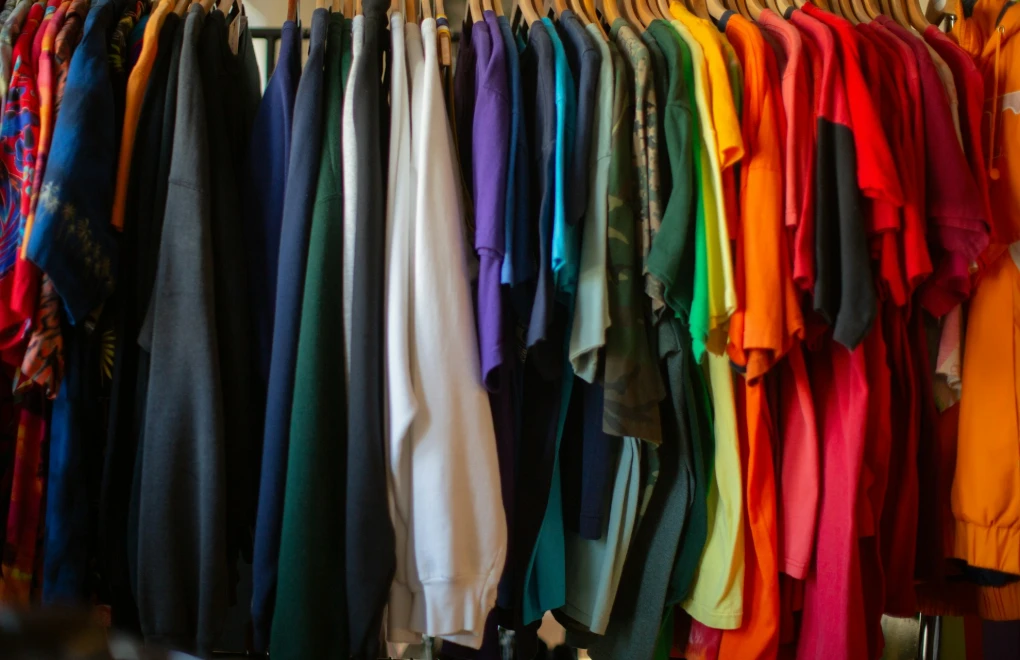
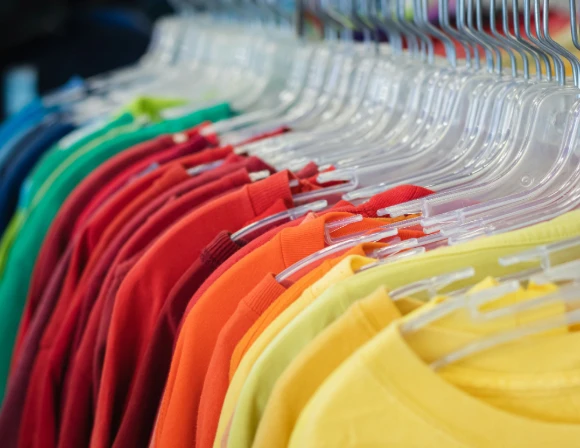
·Apparel (tees, hoodies), accessories, home décor
·High-quality fabrics & print techniques (DTG, sublimation, embroidery)
·No MOQ — print only when ordered
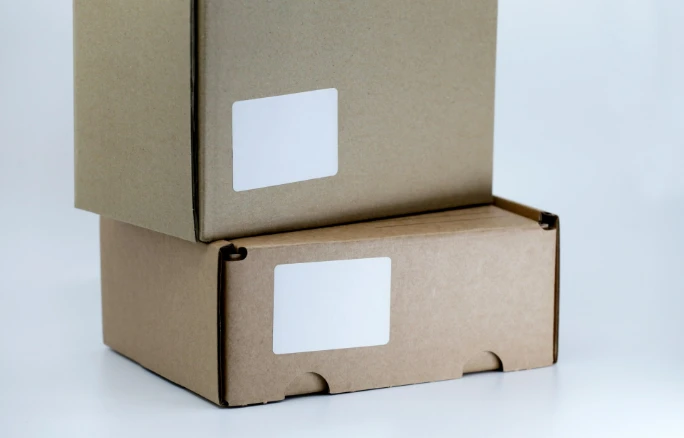
·Custom packaging & branding options
Why Choose TeemDrop POD?
Zero inventory, no prepaid stock
Scalable: from single orders to mass demand
Global reach—localized production = lower cost
Integration with Shopify, Etsy, TikTok Shop, WooCommerce
Our POD Workflow
1.Upload design & choose products
2.We add to your storefront
3.Customer orders
4.We print, QC, and package
5.We ship with tracking info
6.You get real-time order status
