Jul 24, 2026
How to Create Product Details Pages via AI Design Step by Step?
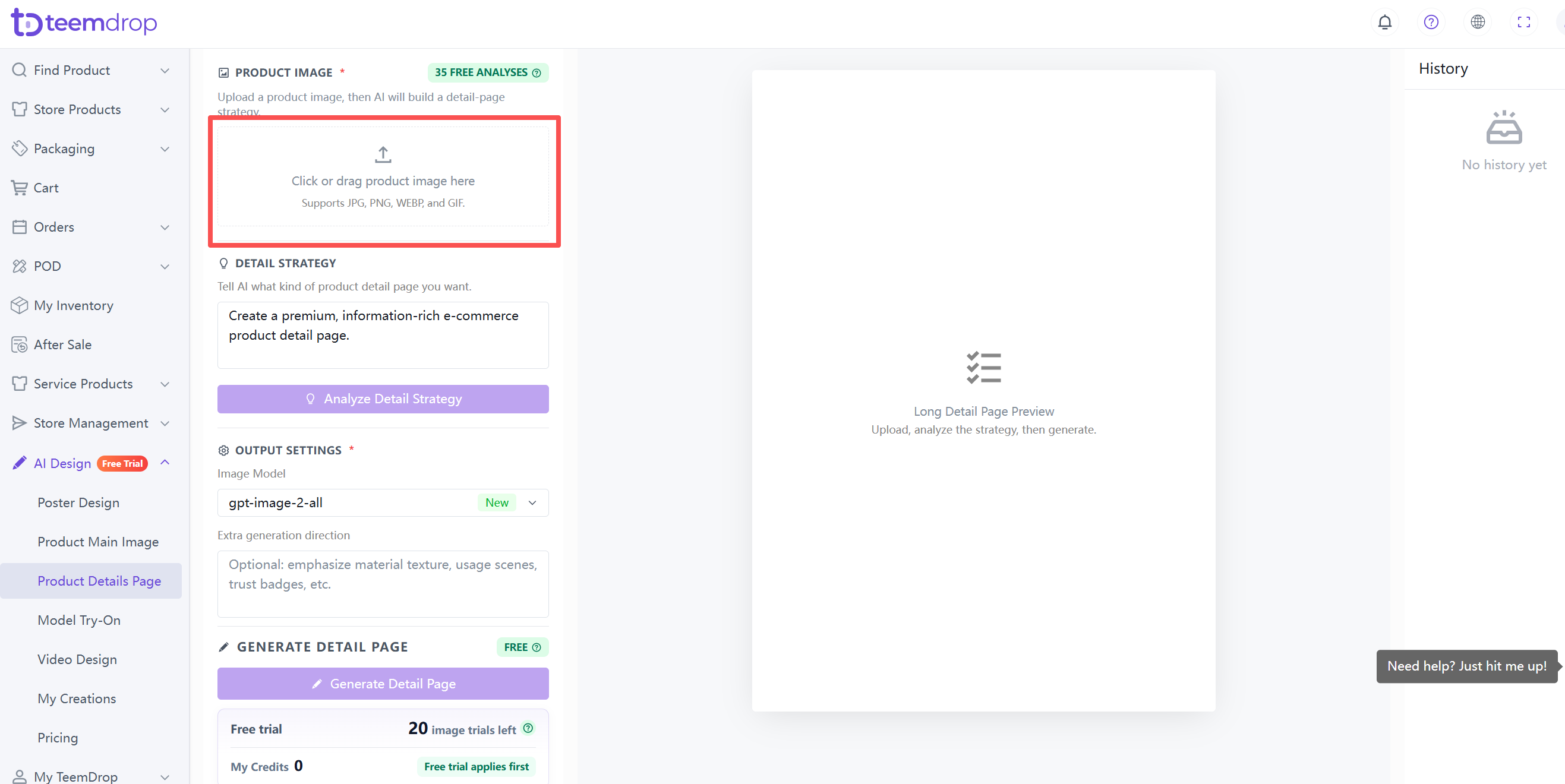
1. Upload your product image
- Click the upload area or drag your image in.
- For best results, use a well-lit, centered, fully visible product image on a plain or white background.
2. Review & adjust the detail strategy
- AI auto‑generates a complete detail page strategy.
- If you're not satisfied, you can:
◦ Describe what you want in the input box (e.g., "Make it more luxurious and emphasize anti‑aging benefits"), then click Analyze Detail Strategy to regenerate.
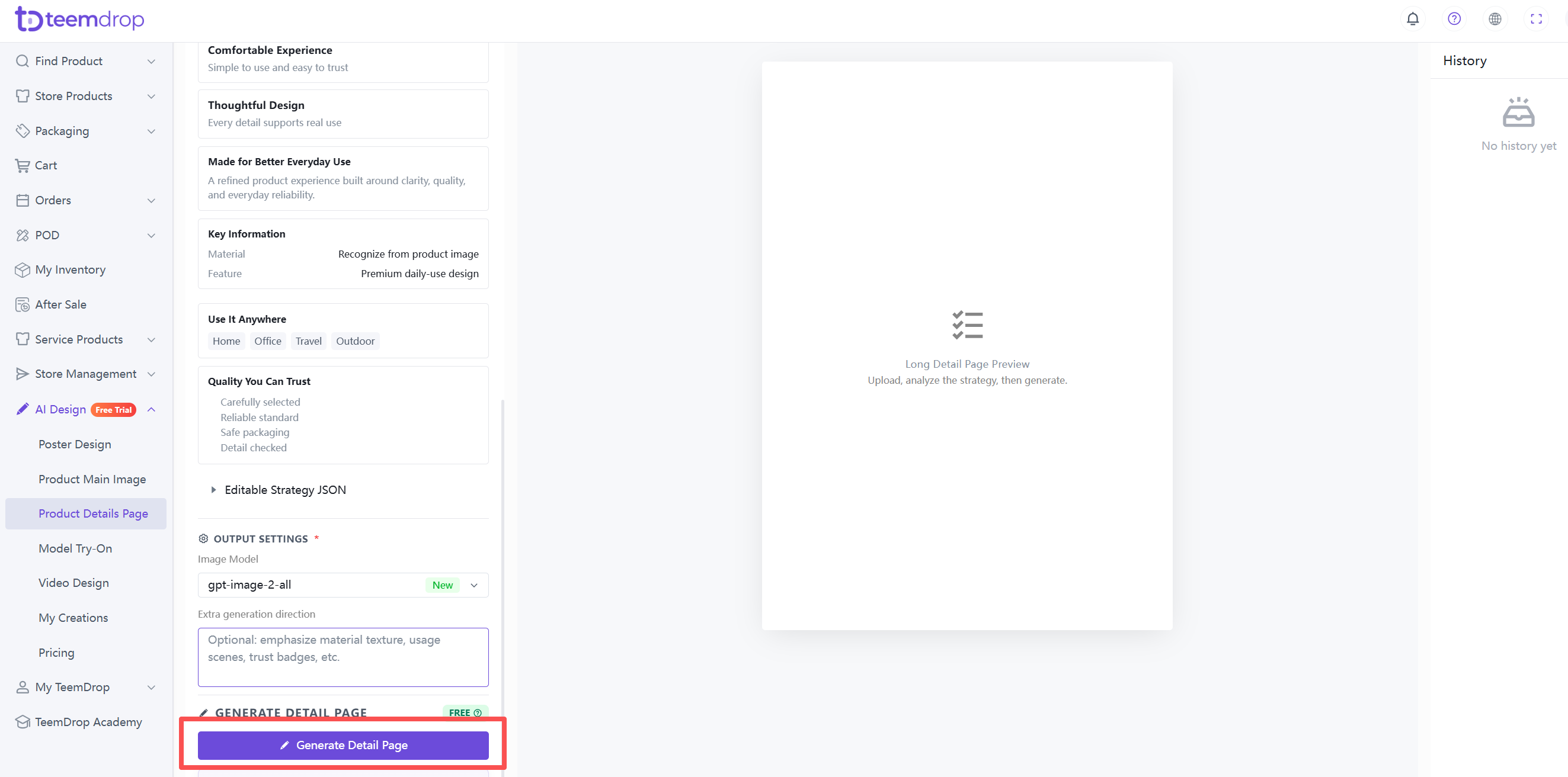
◦ Add extra generation direction – emphasize specific aspects like material texture, usage scenes, or trust badges.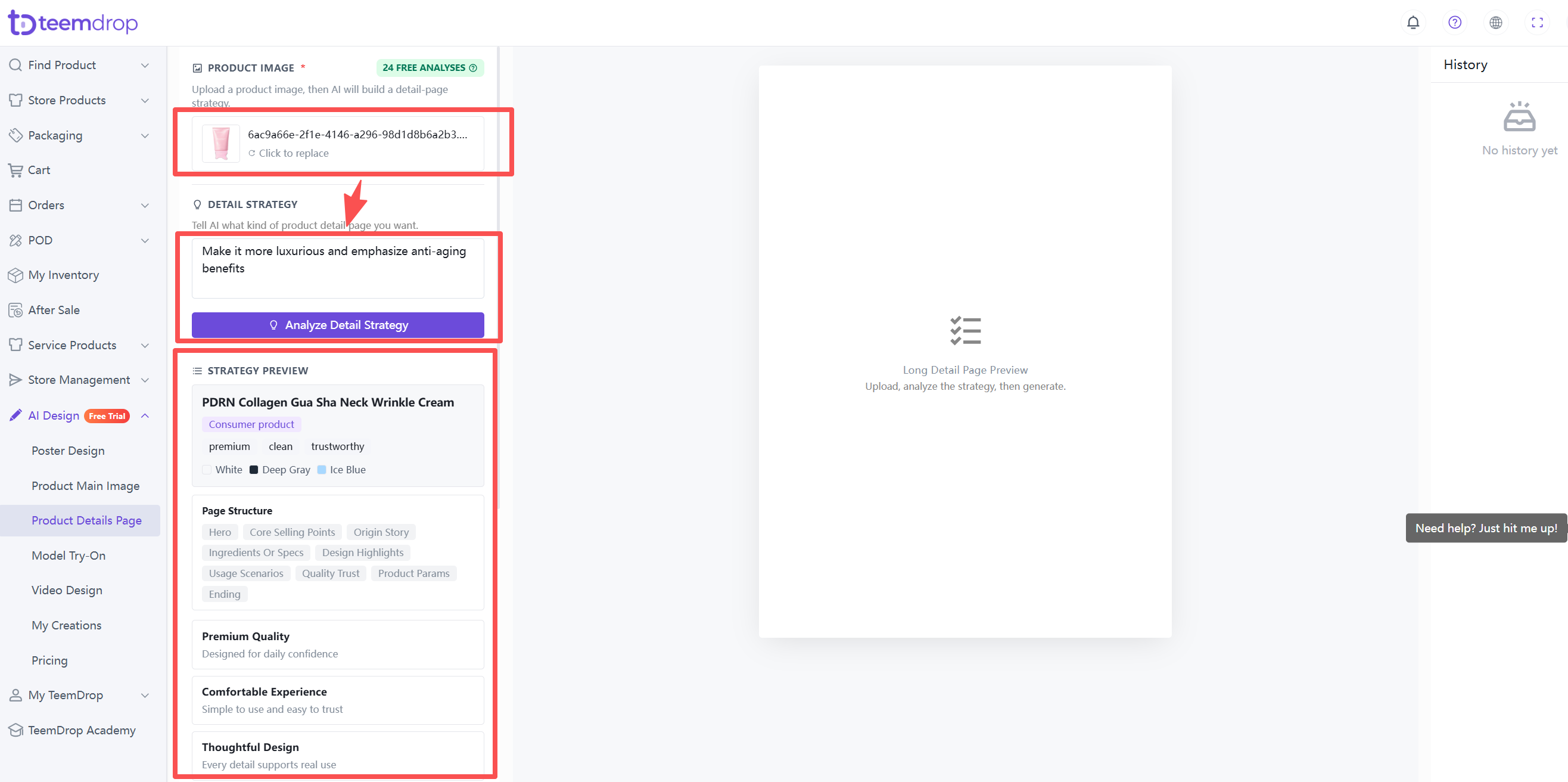
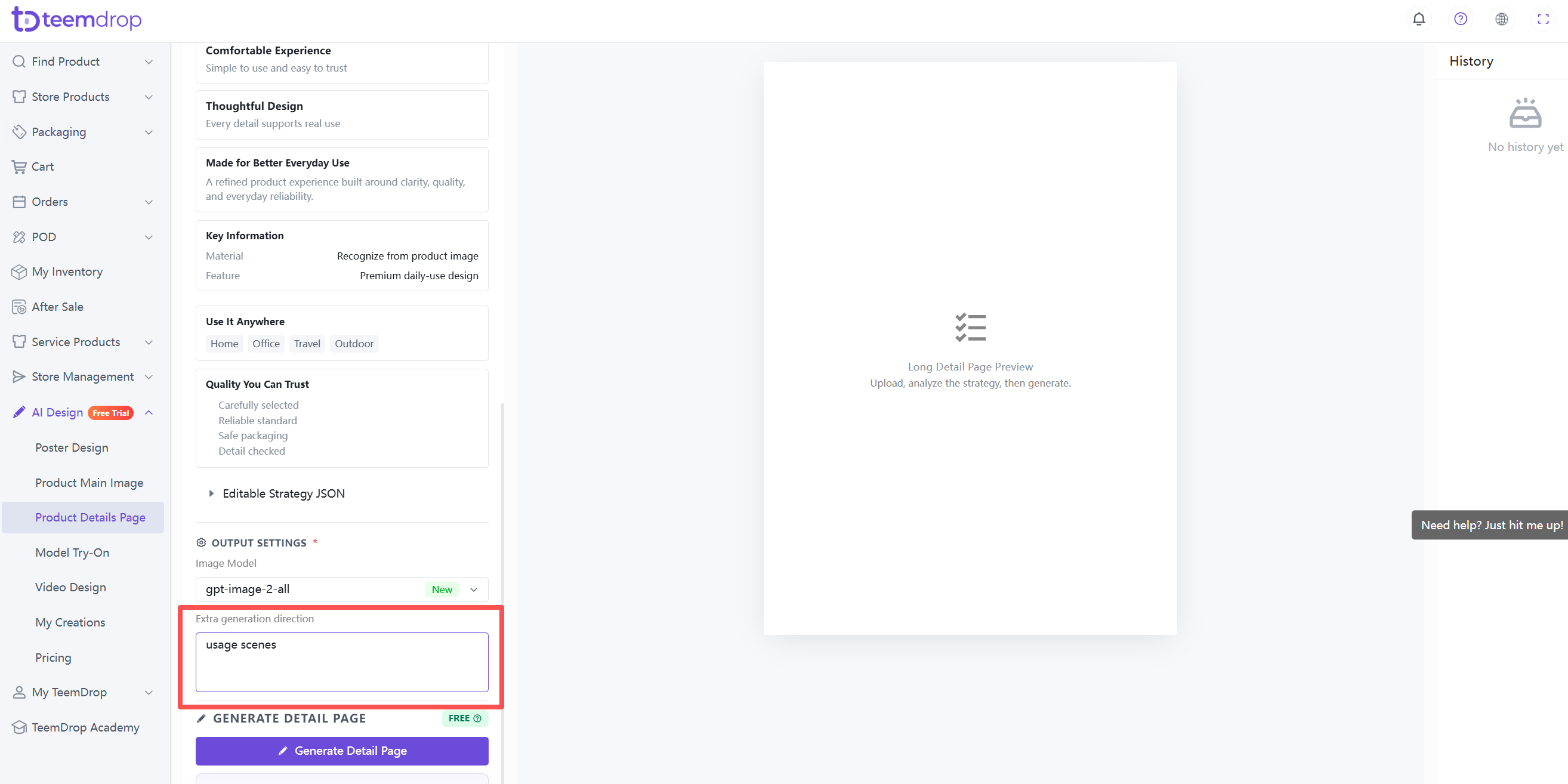
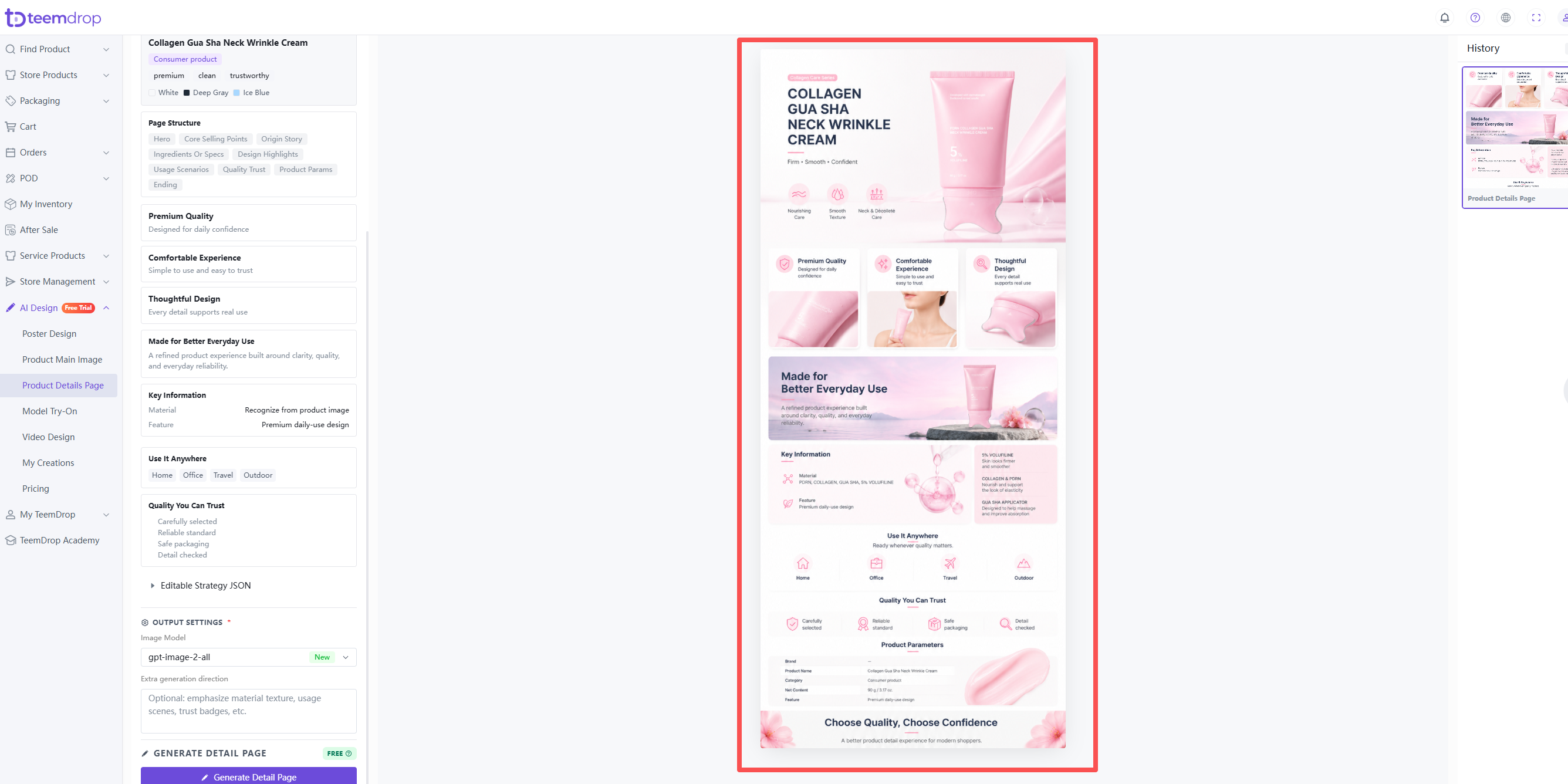
3. Generate the detail page
- Click the Generate Detail Page button. Free trial credits are used first.
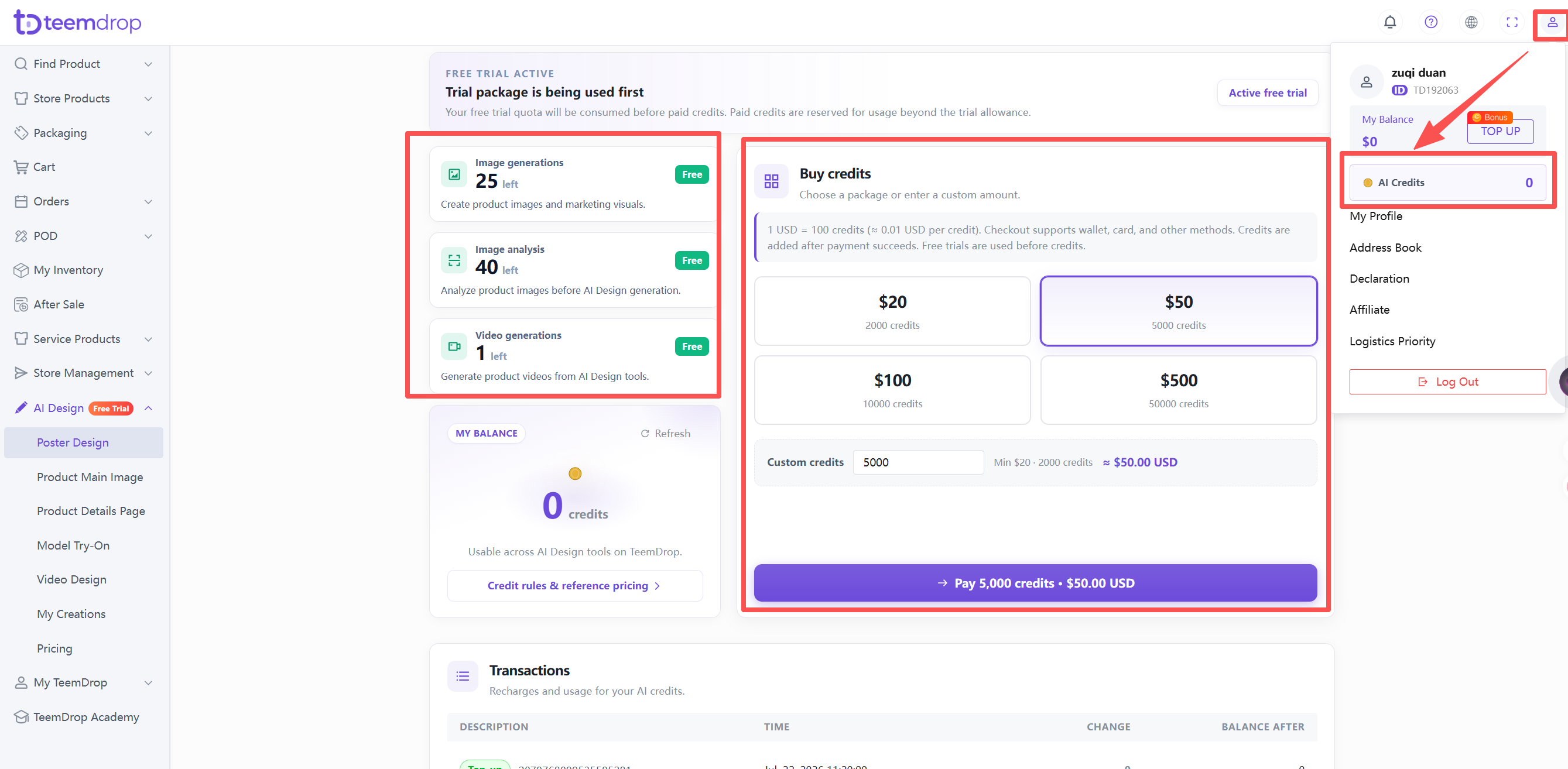
4. Check your Credits
- Click your profile icon in the top‑right corner → select AI Credits.
- Recharge options are there too.