Jul 24, 2026
How to Create Product Main Images via AI Design Step by Step?
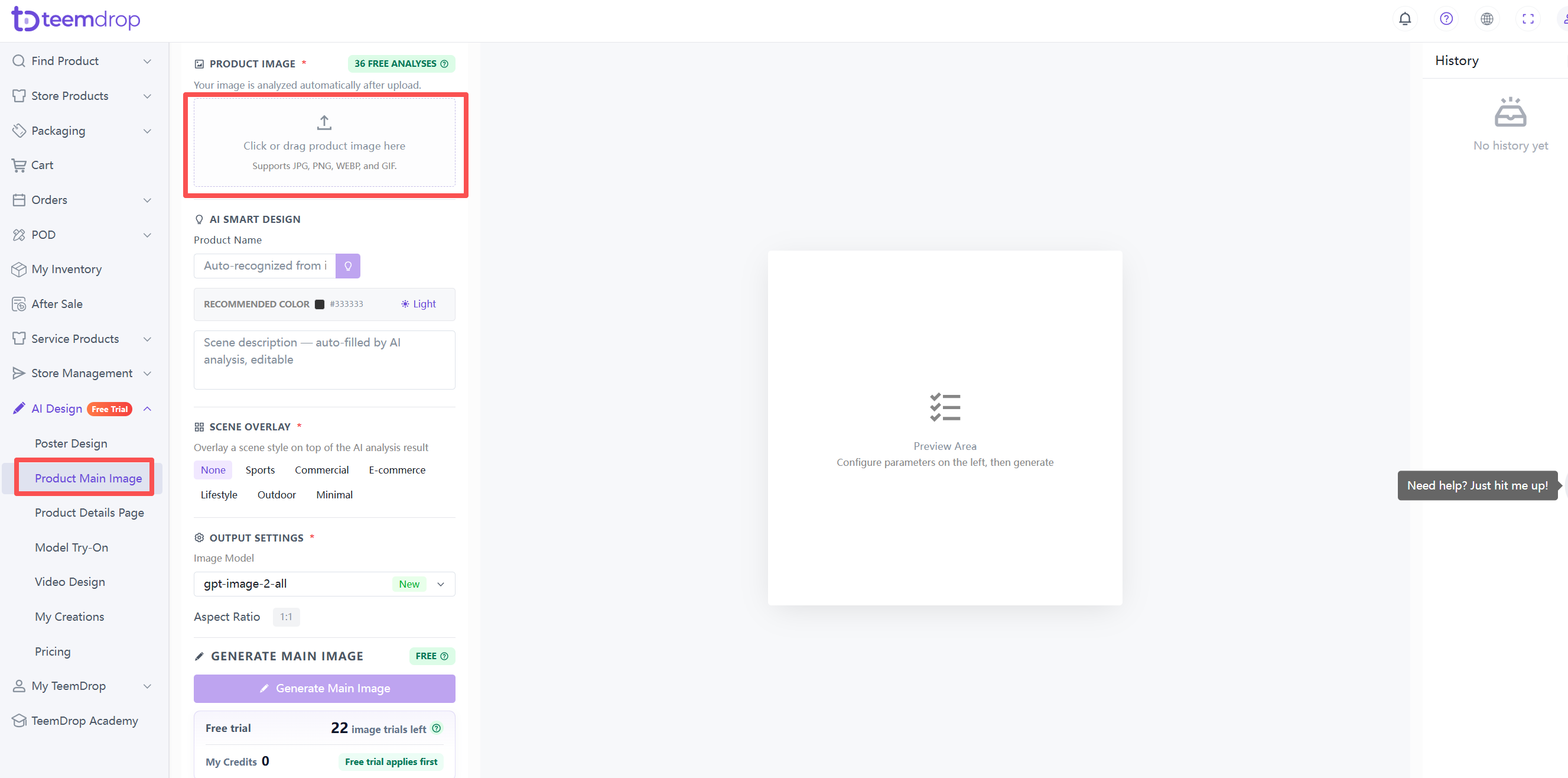
1. Upload your product image
- Click the upload area or drag your image in. AI will analyze it automatically after upload.
- For best results, use a well-lit, centered, fully visible product image on a plain or white background.
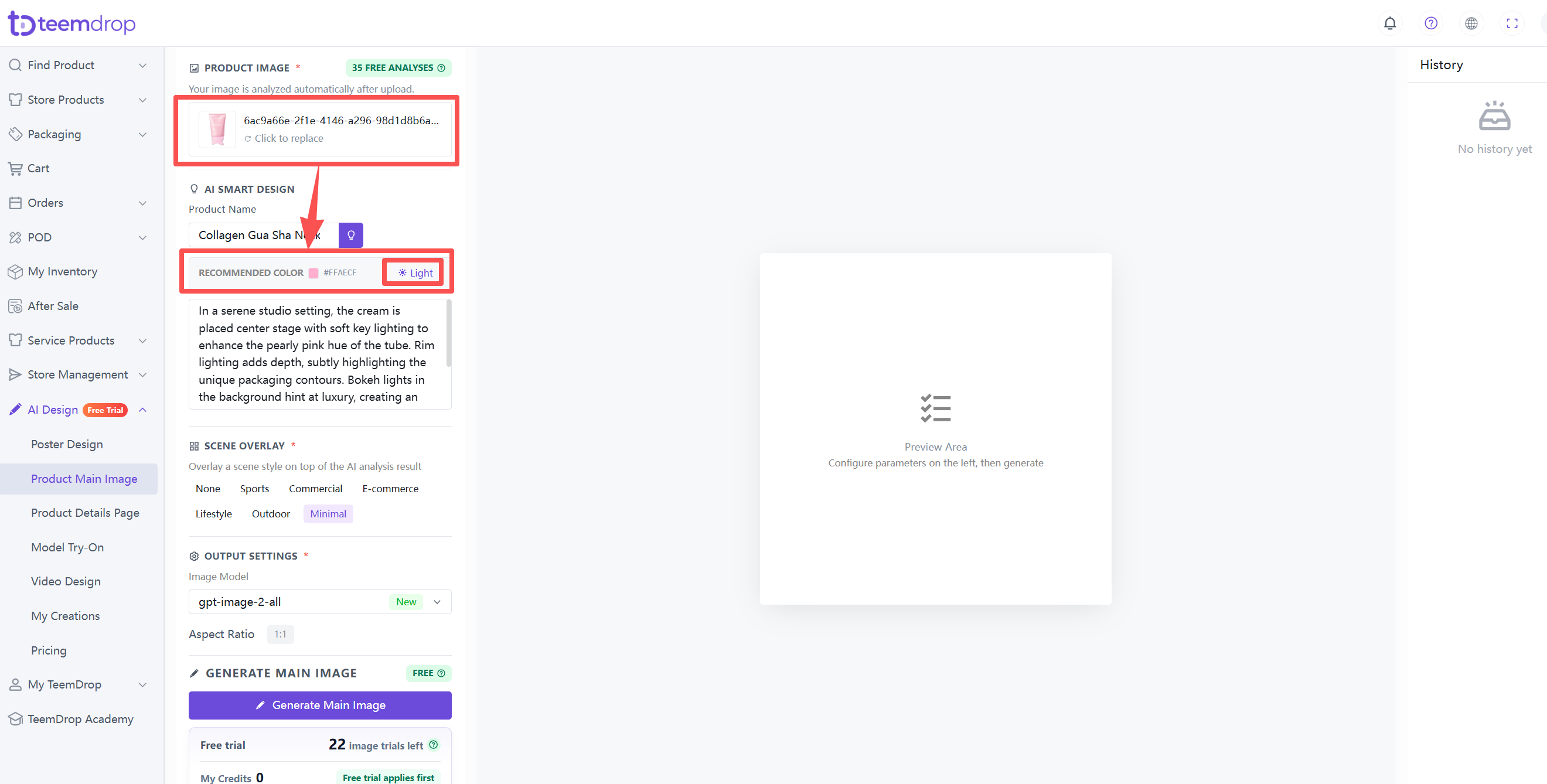
2. Review recommended color
- AI automatically extracts a recommended color from your product image. Use it as is or adjust manually.
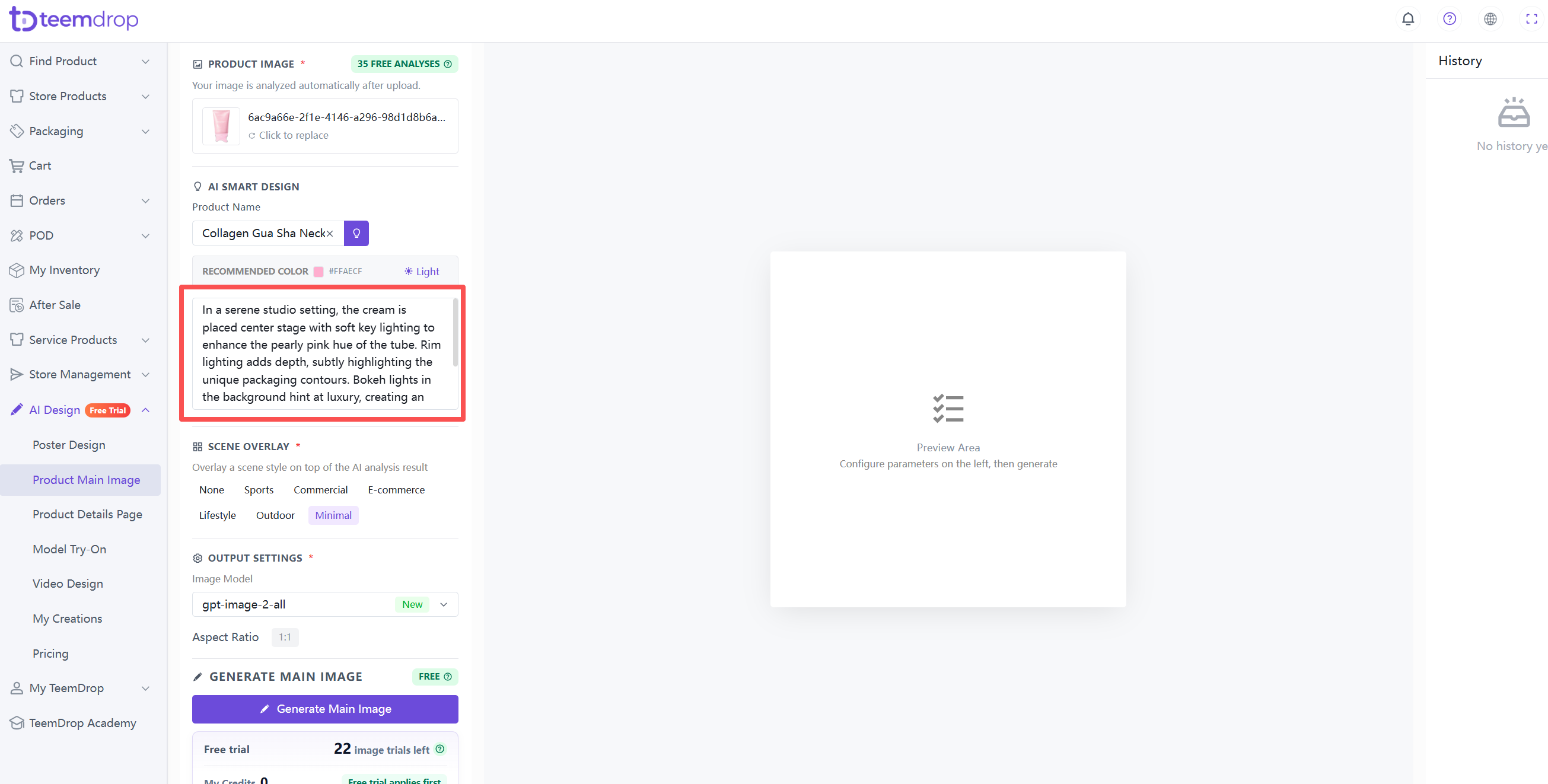
3. Edit scene description
- AI auto-generates a scene description based on your image. You can edit it freely to describe the scene, lighting, or mood you want.
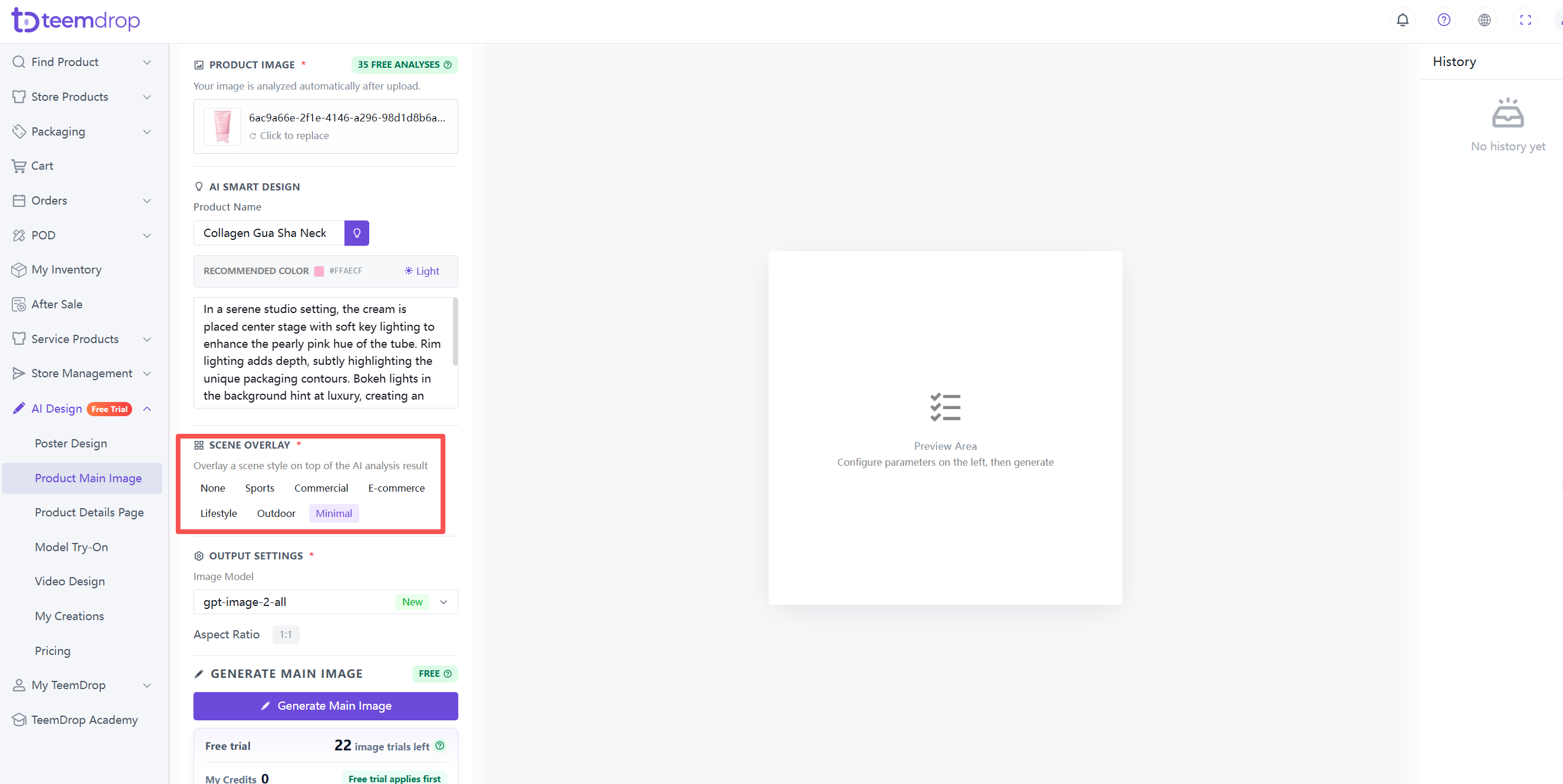
4. Choose scene overlay
- Select a scene style to apply to your image: None, Sports, Commercial, E-commerce, Lifestyle, Outdoor, or Minimal.
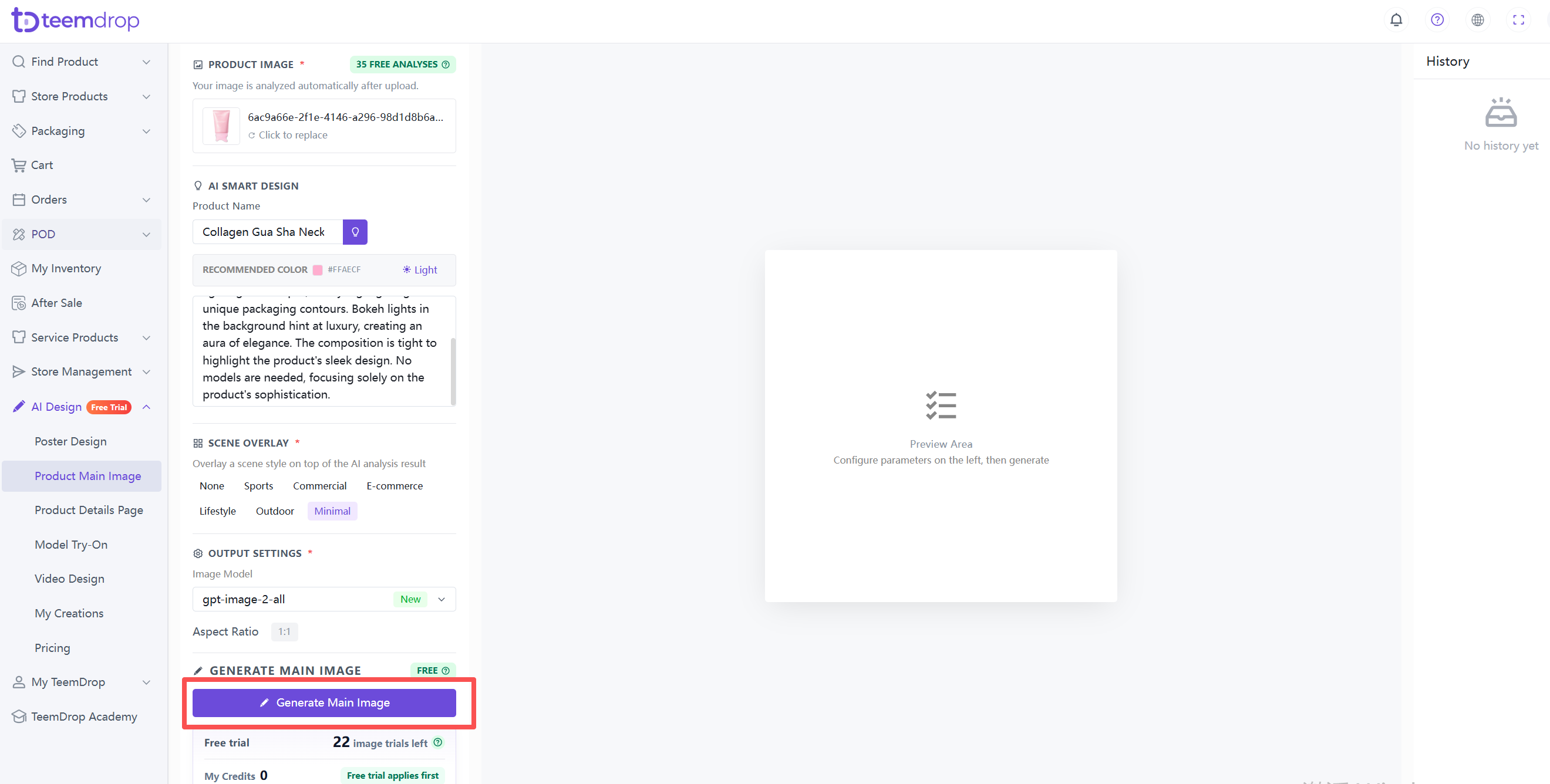
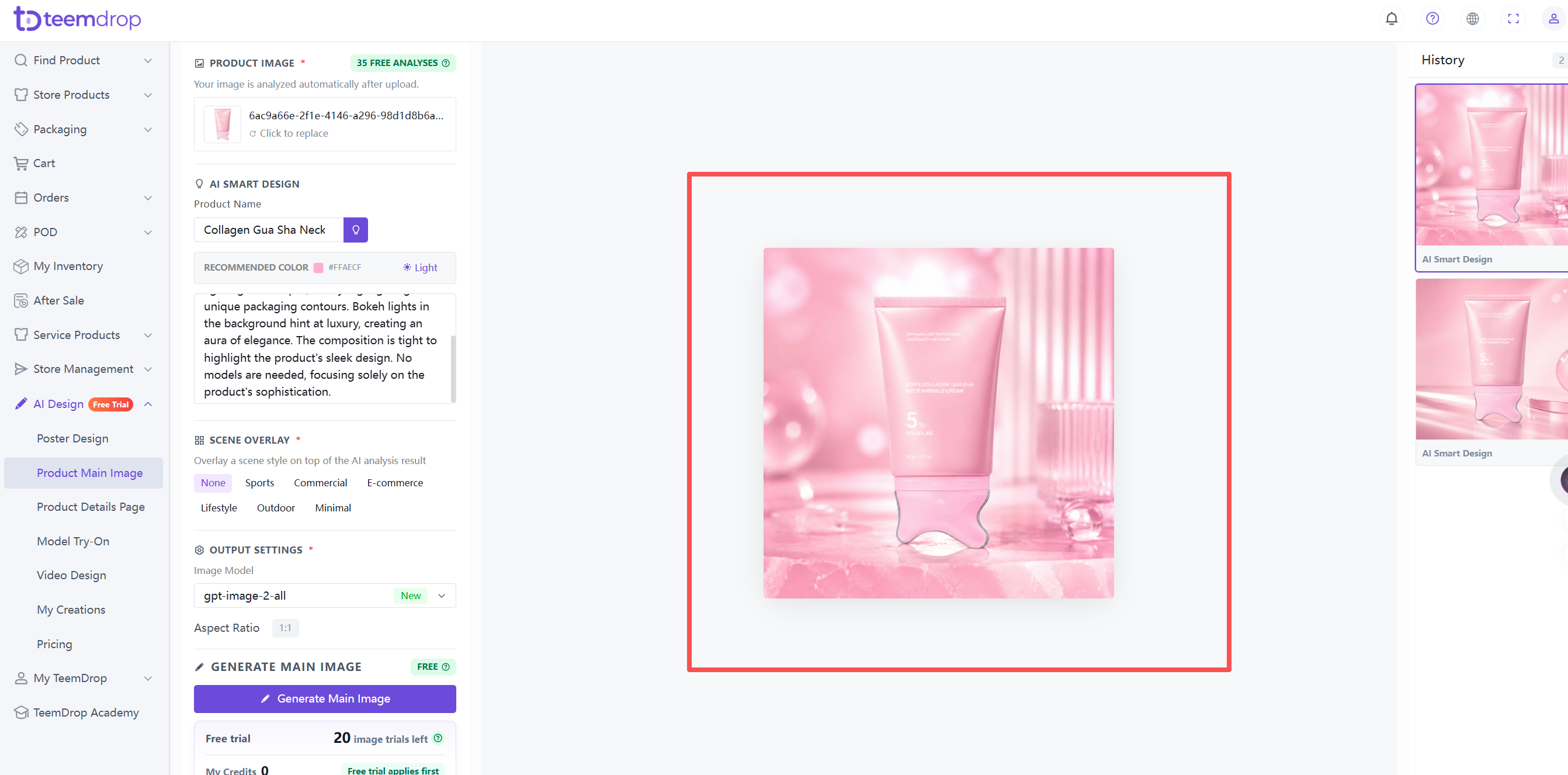
5. Generate the image
- Click the Generate Main Image button. Free trial credits are used first.
6. Check your Credits
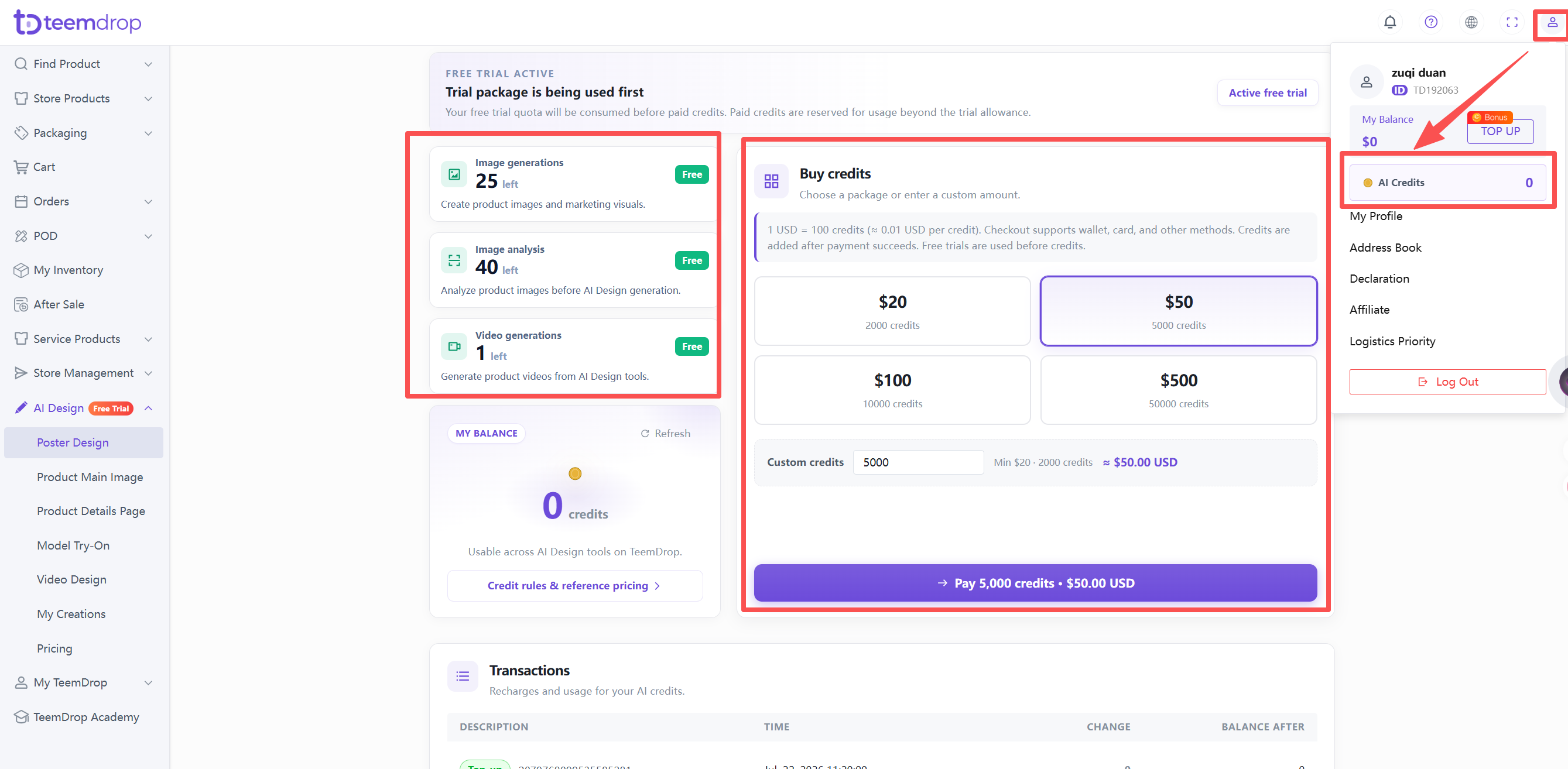
- Click your profile icon in the top‑right corner > select AI Credits.
- Recharge options are there too.