Jul 24, 2026
How to Create Video Design via AI Design Step by Step?
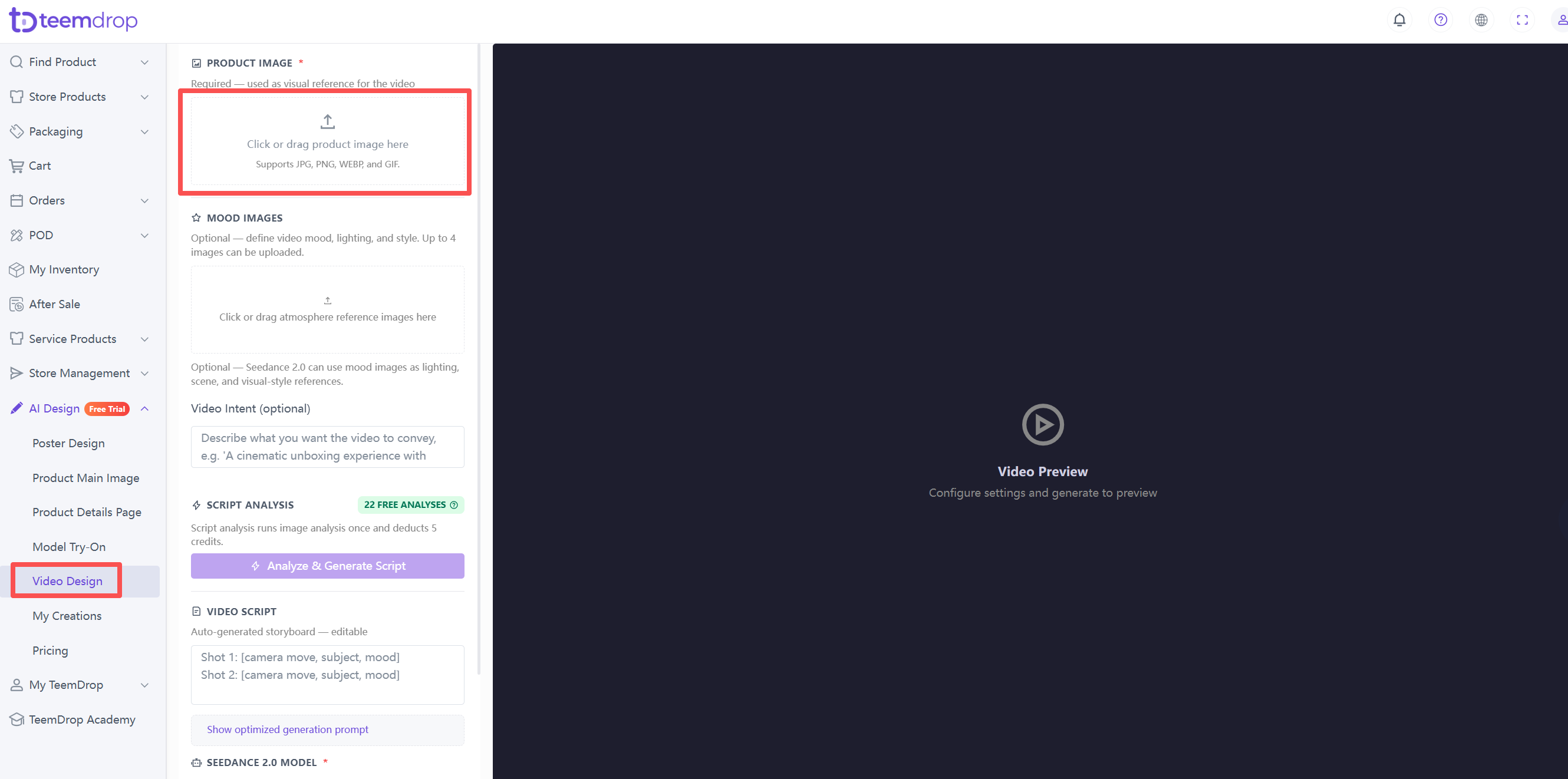
1. Upload your product image
- Click or drag your product image into the upload area.
- For best results, use a well-lit, centered, fully visible product image on a plain or white background.
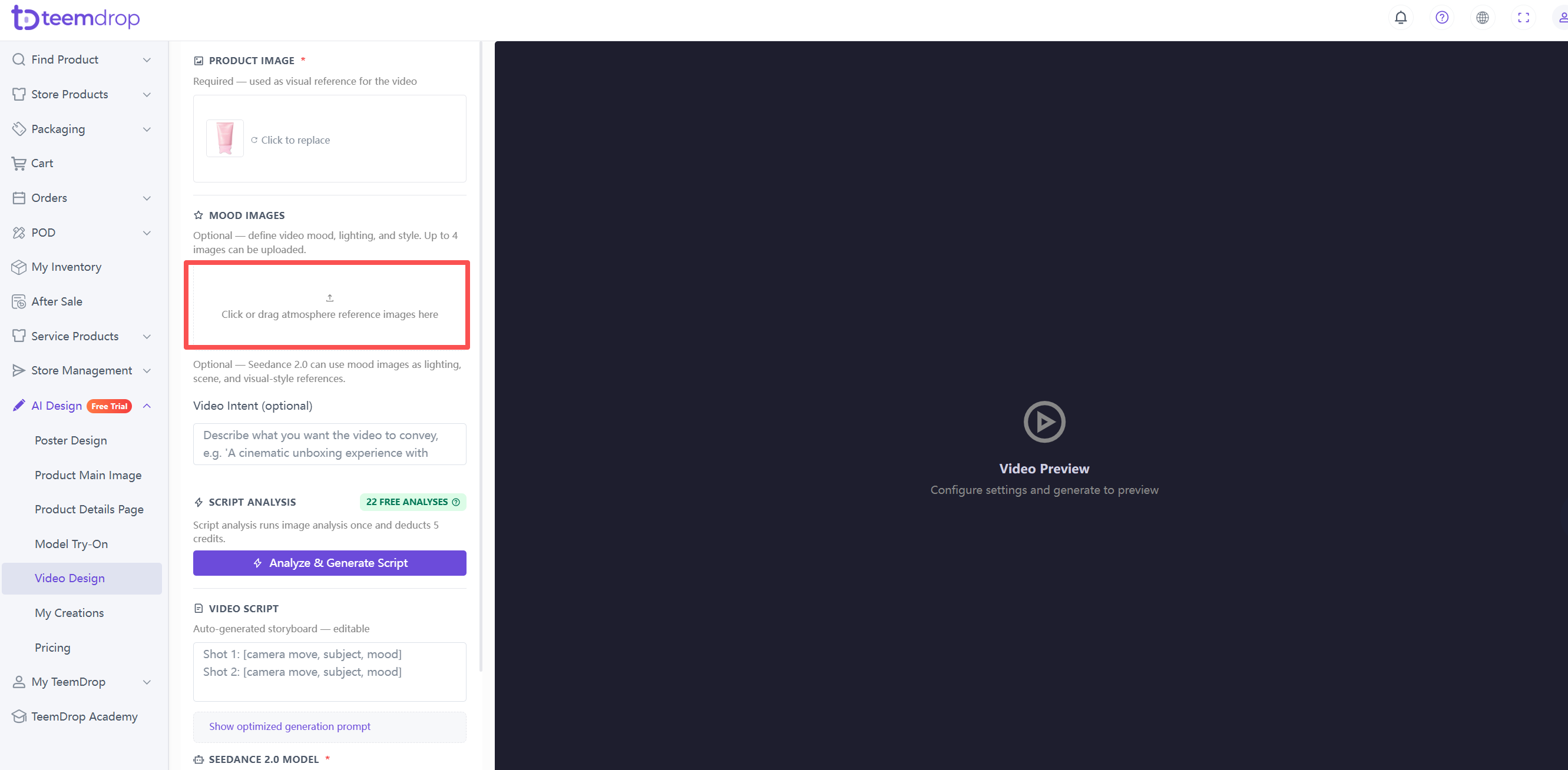
2. Upload mood images (optional)
- Upload up to 4 atmosphere reference images to define the video mood, lighting, and style.
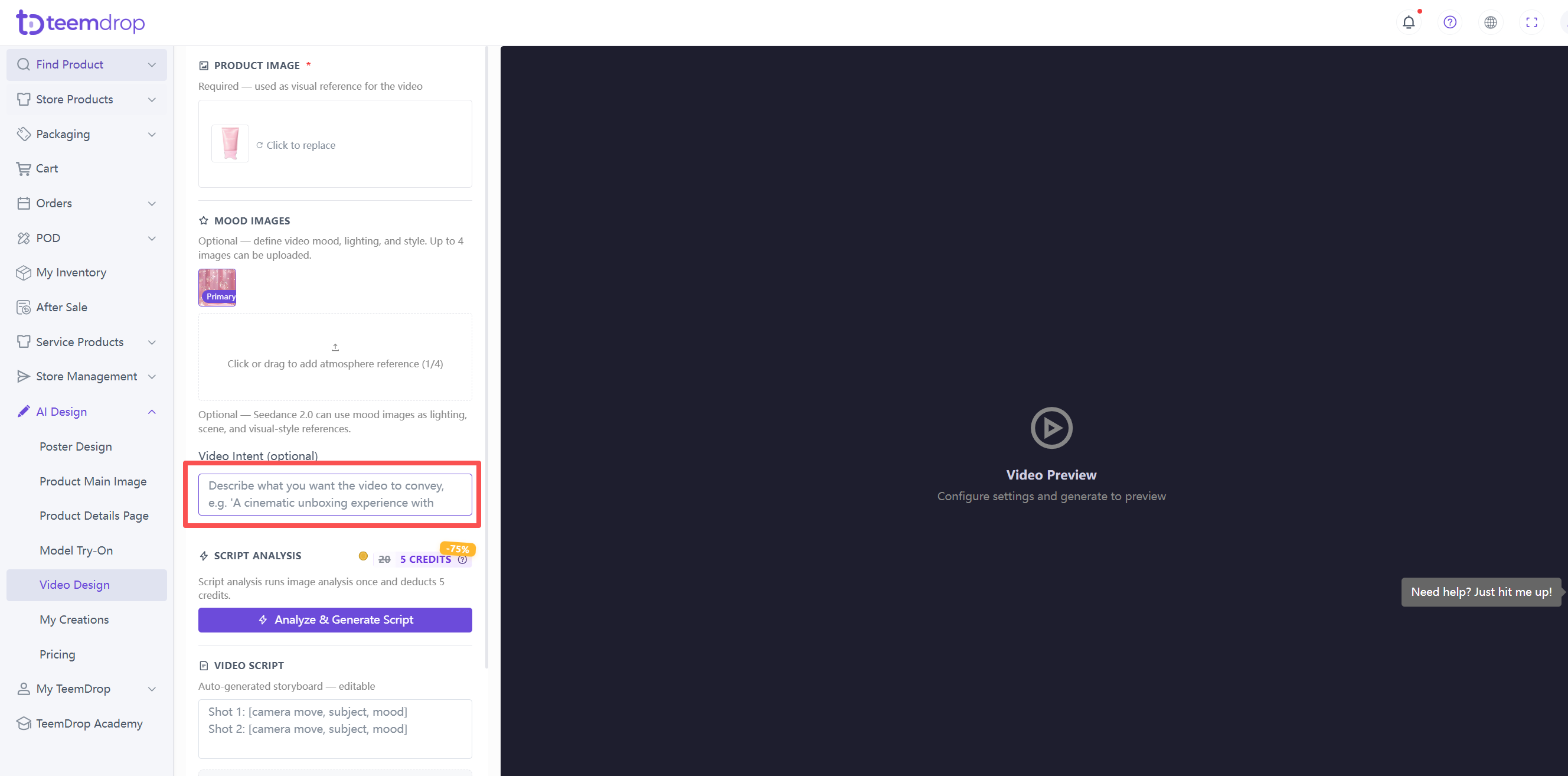
3. Describe video intent (optional)
- Tell AI what you want the video to convey. For example: "A cinematic unboxing experience with soft lighting and premium feel."
4. Generate script
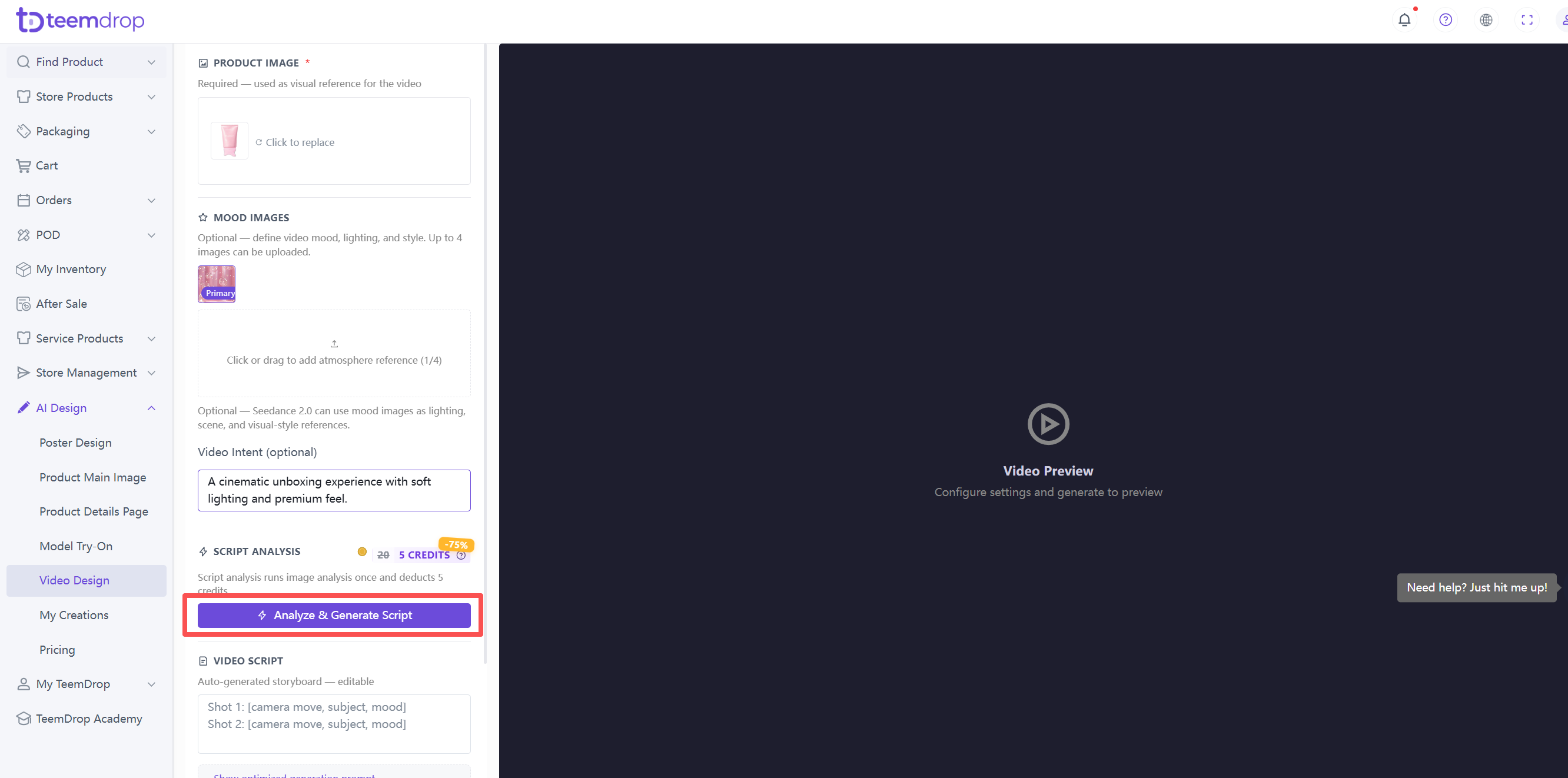
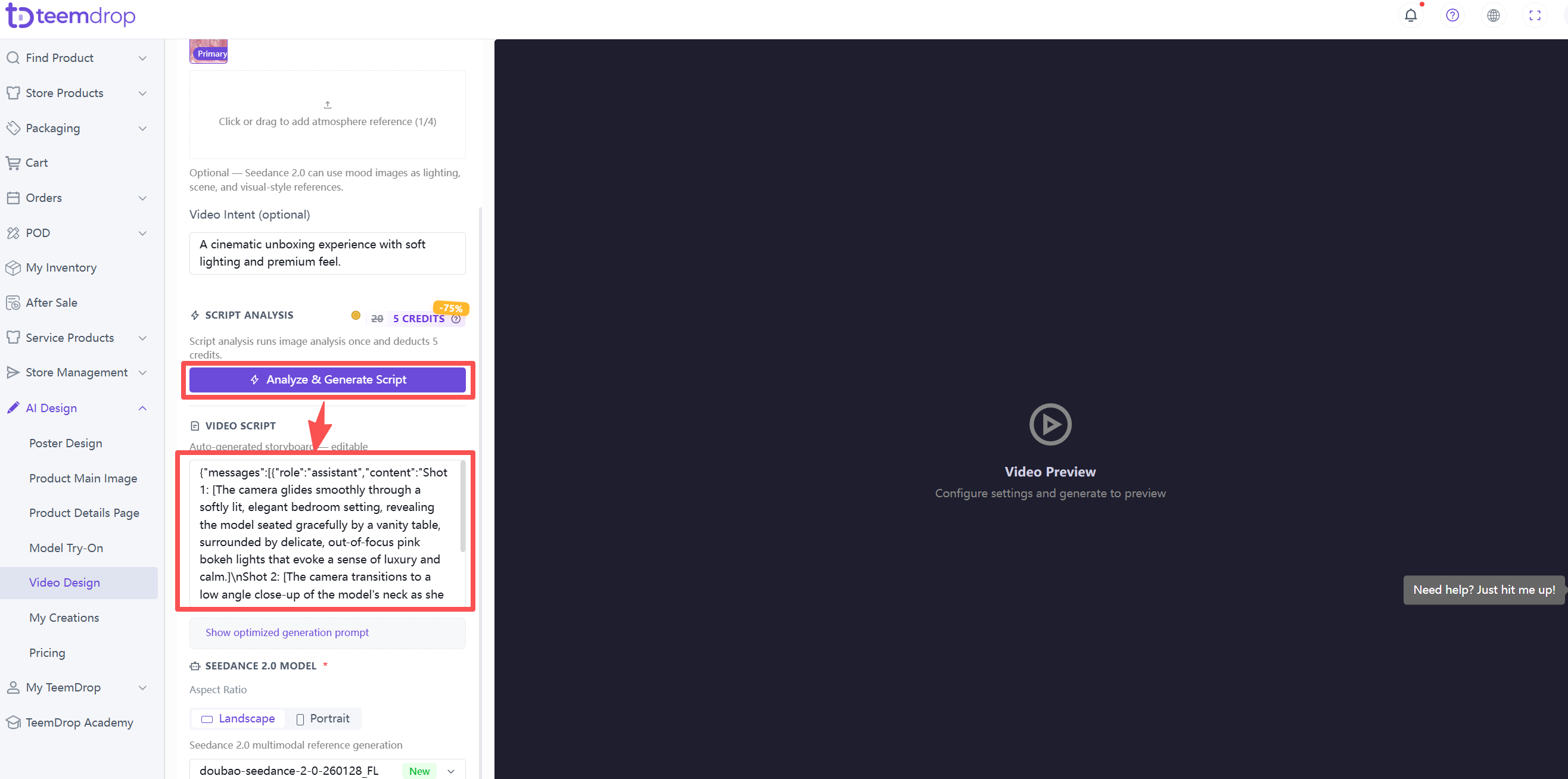
- Click Analyze & Generate Script.
- AI auto‑generates a storyboard with shots, camera moves, subject, and mood. The script is editable – you can adjust any shot description.
5. Select aspect ratio
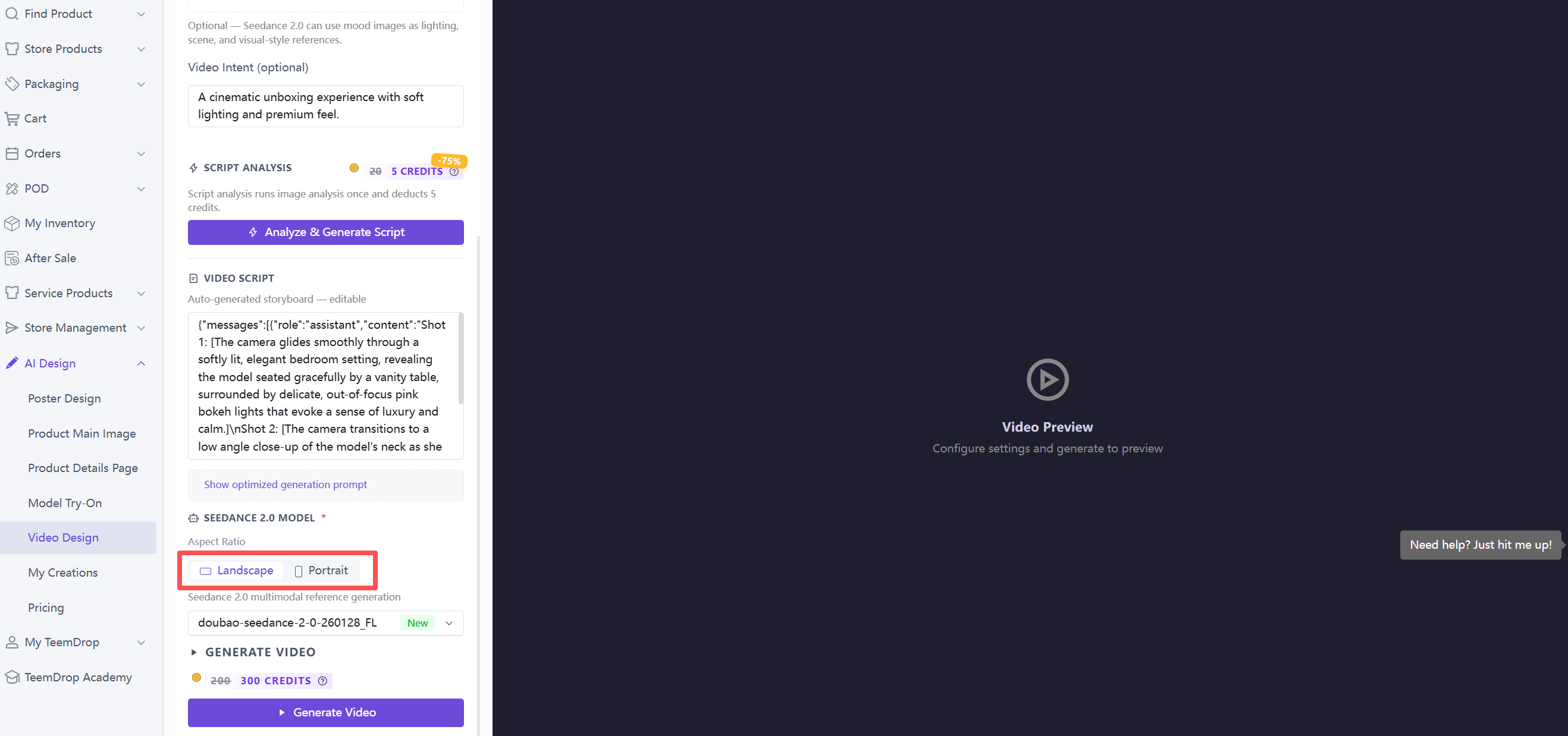
- Choose Landscape or Portrait based on where you plan to use the video.
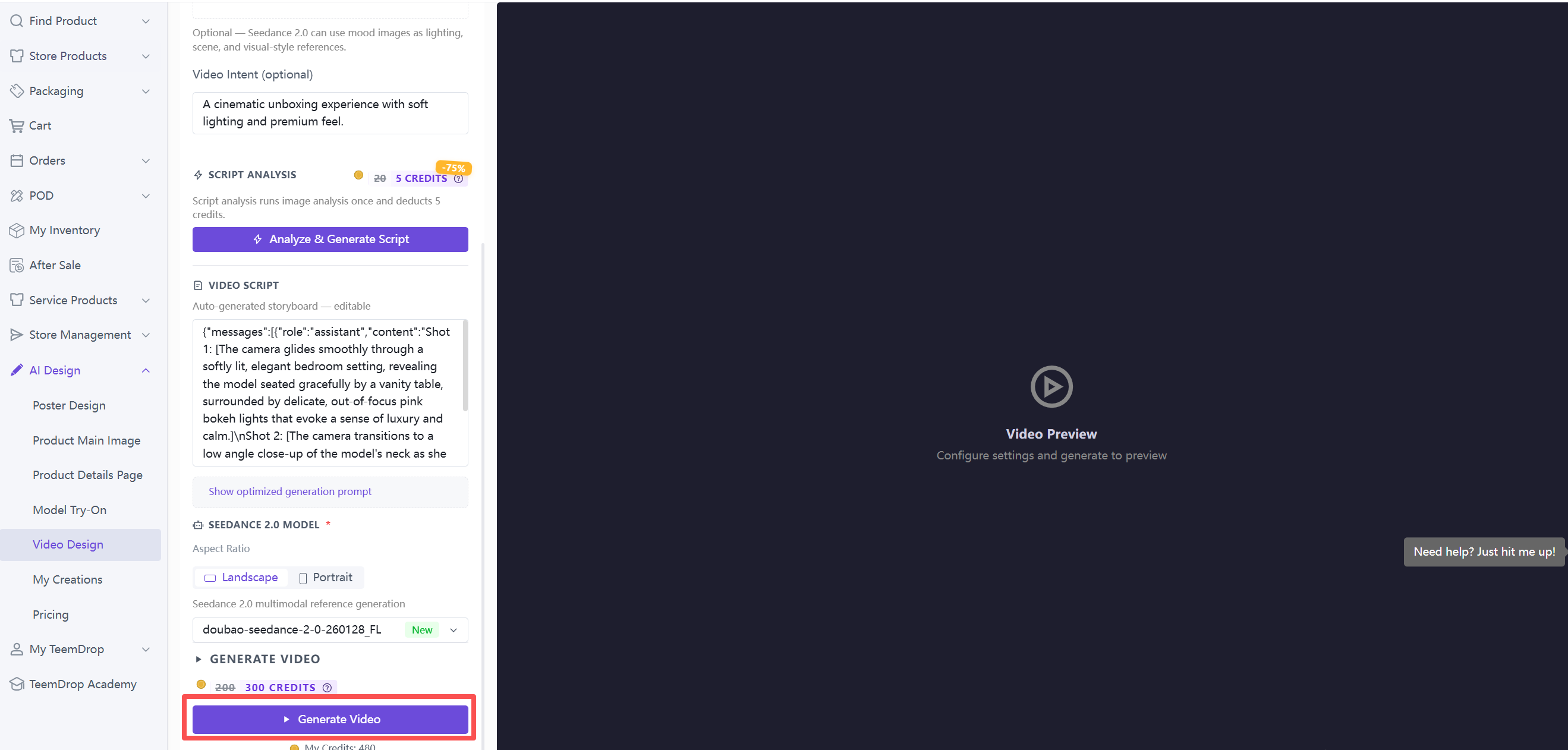
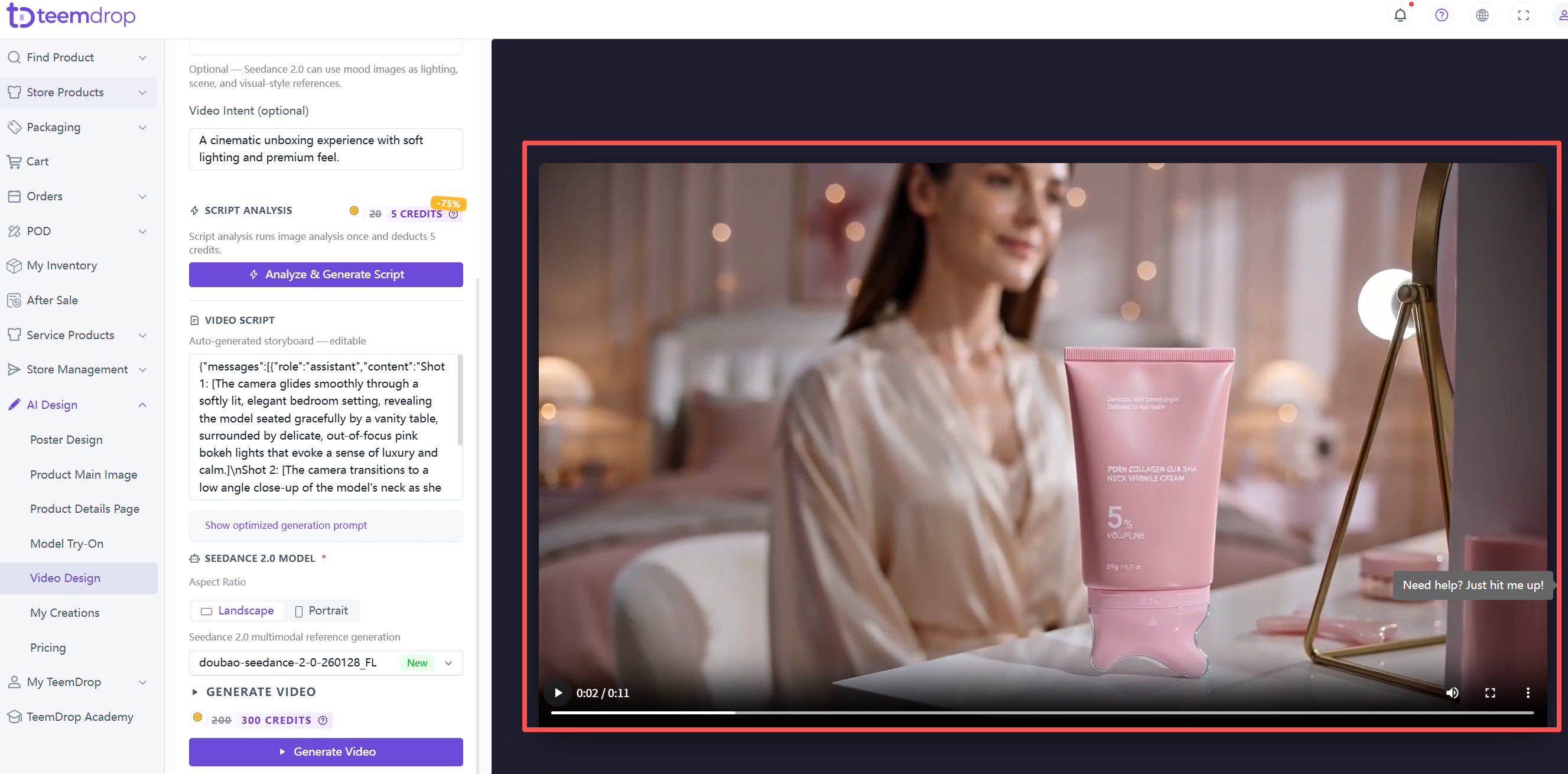
6. Generate the video
- Click the Generate Video button. Free trial credits are used first.