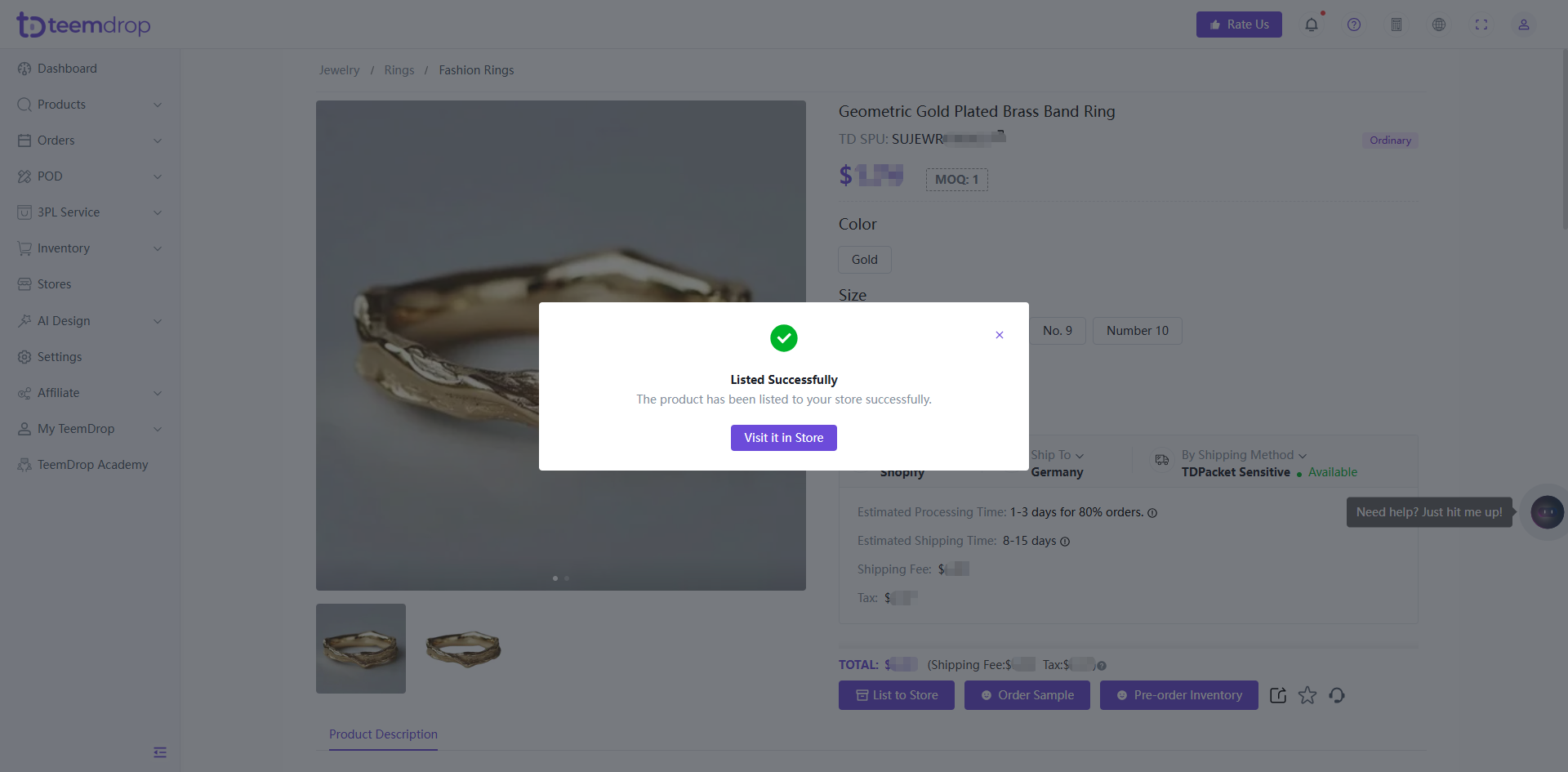
Apr 09, 2026
How to List Product to Store
1. Select Your Product
-
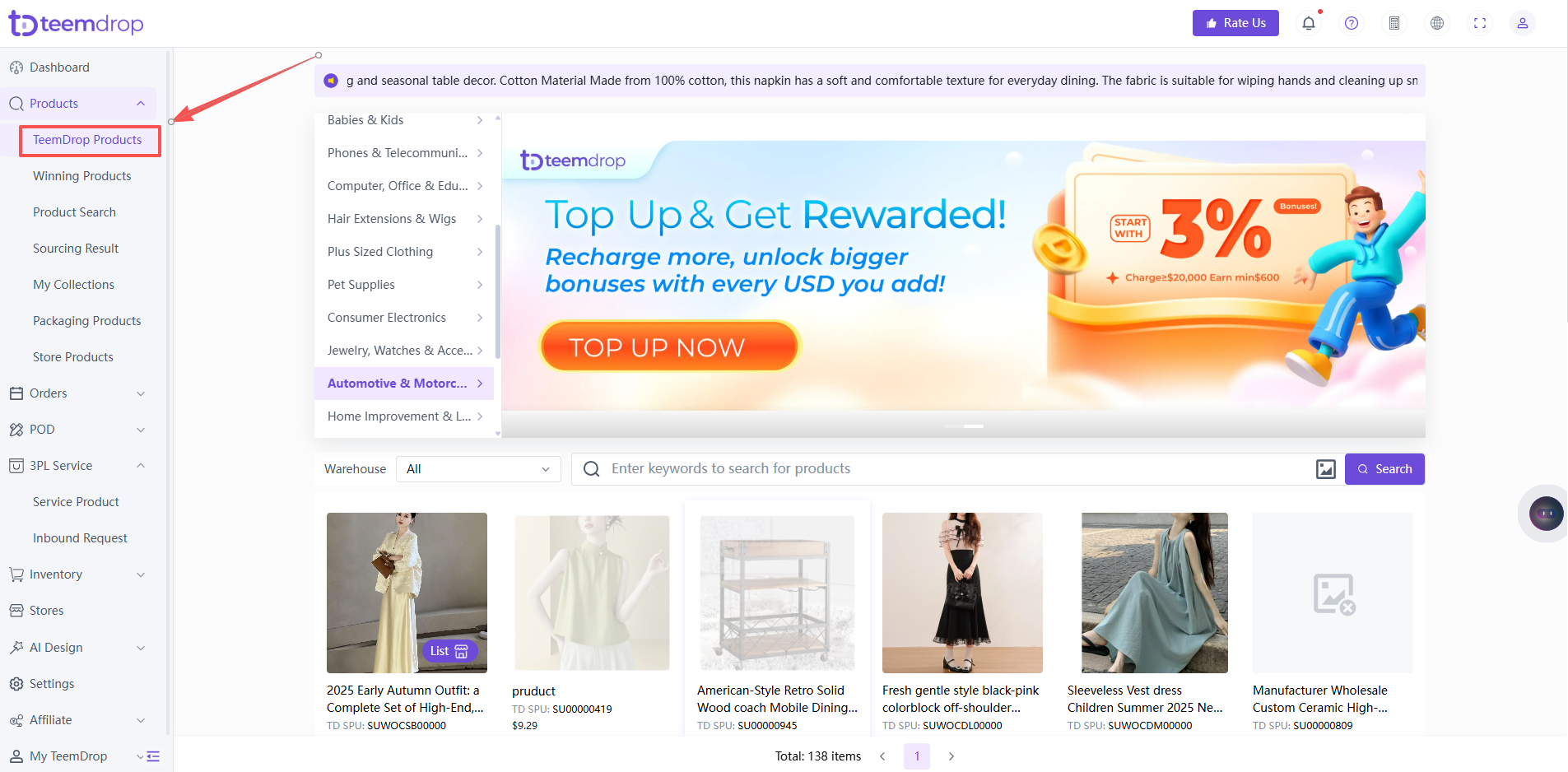
Go to Product > TeemDrop Products
-
Browse or search for the product you want to list
2. Start the Listing Process
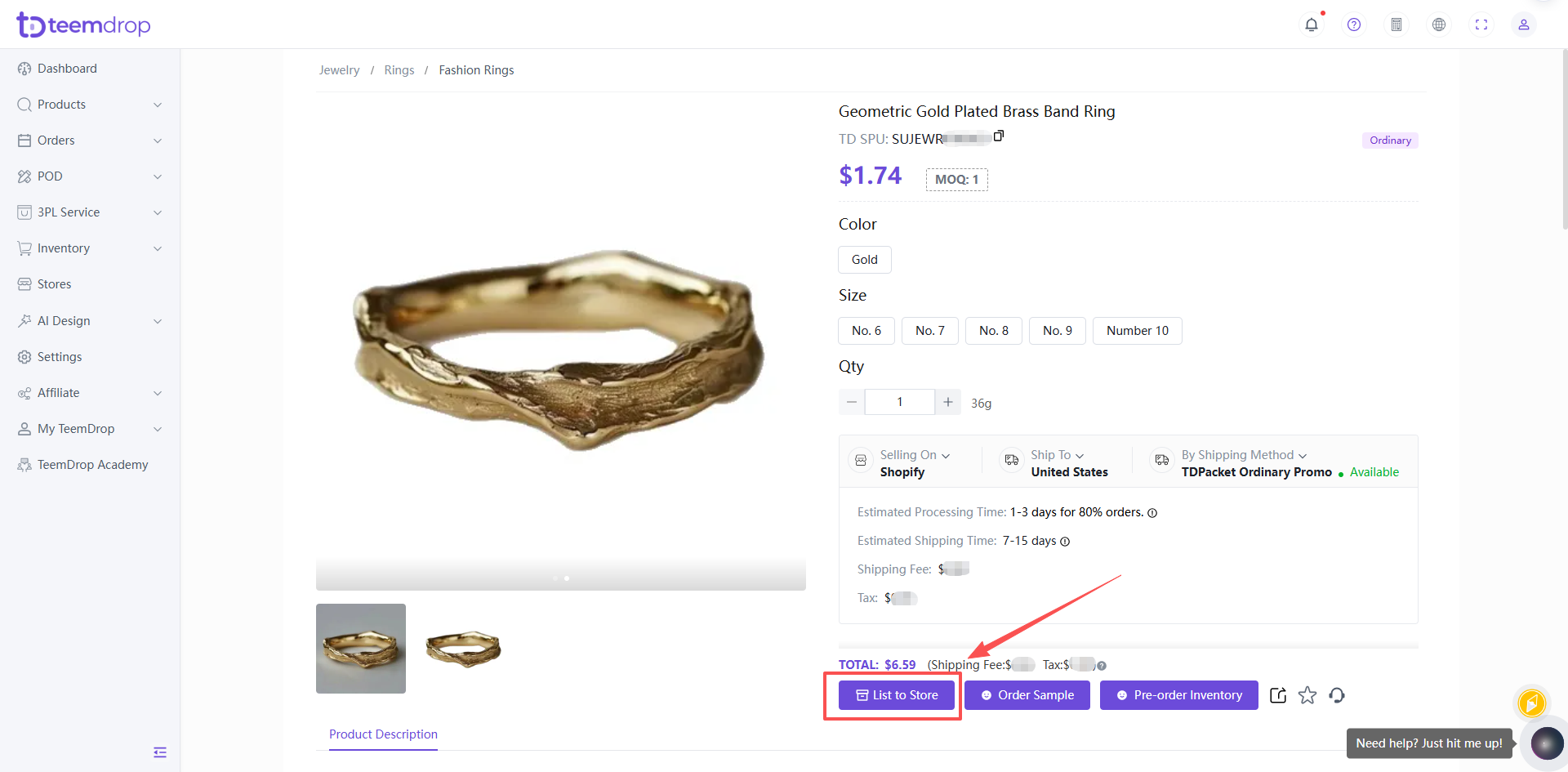
-
Click the [List to Store] button on the product page.
3. Choose Your Store & Enter Details
-
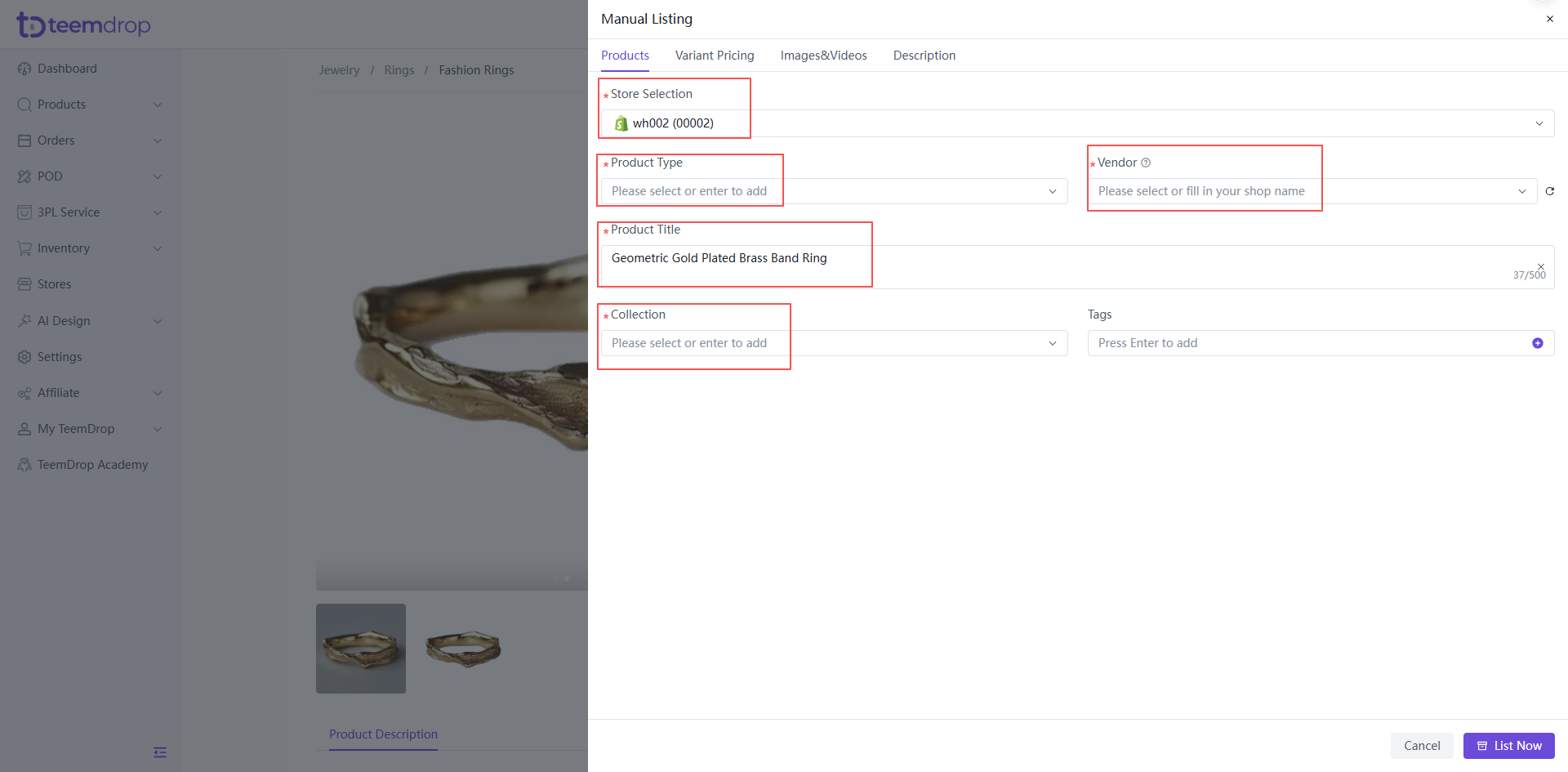
Select your store from the dropdown menu.
- Fill in all required fields marked with an asterisk (*), as well as your store‑selling price.
-
When adding a product for the first time, the dropdown menus for “Product Type” and “Vendor" may show “No data”; in that case, you can type in the information manually.
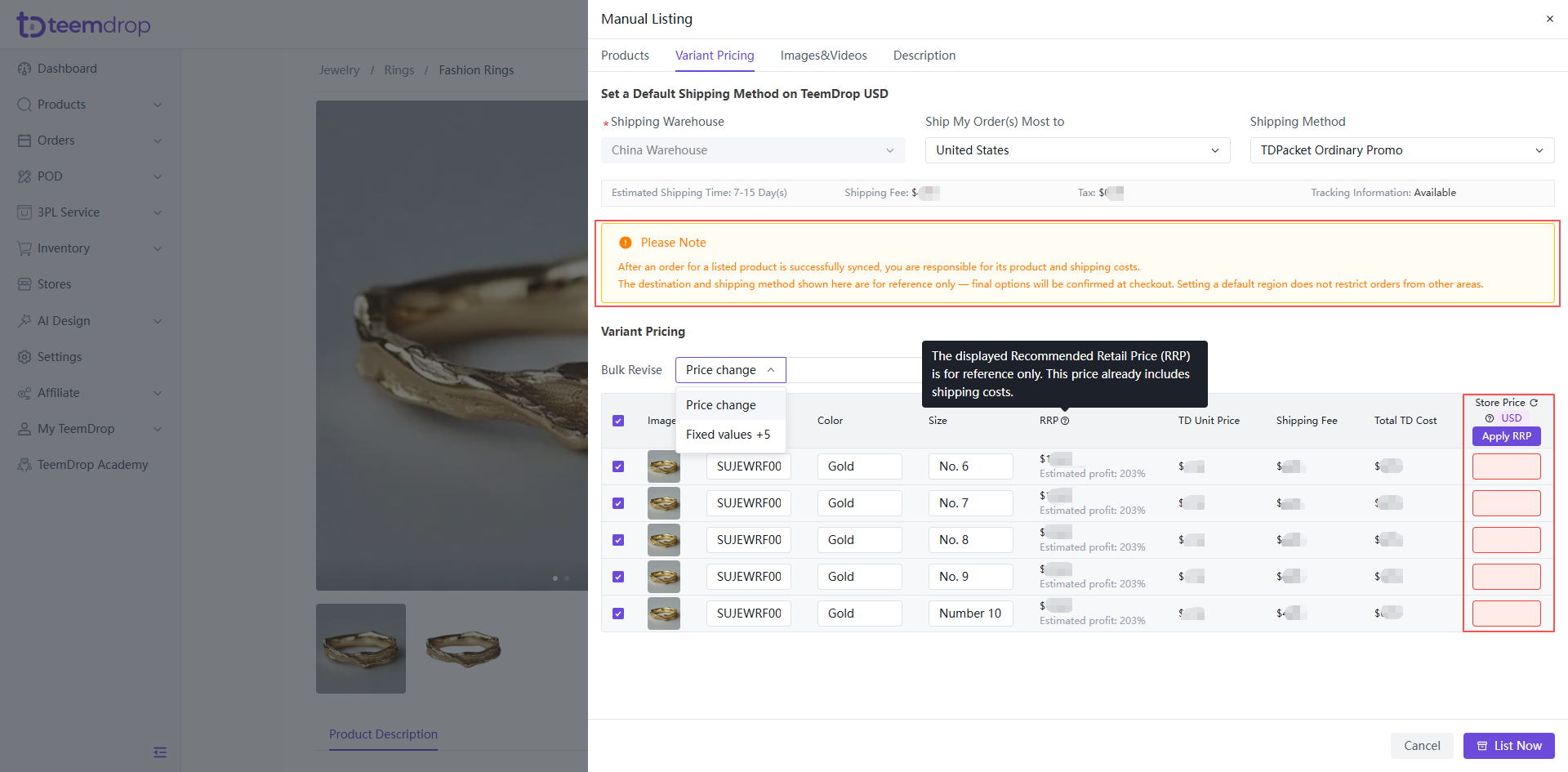
- On the Variant Pricing tab, you have two bulk‑pricing options:
- Choose Fixed values to apply a preset‑based pricing template. Click the Apply RRP button to quickly fill in the platform‑provided recommended retail price.
- Select Price change if you wish to customize your selling prices according to your own business needs.
4. Edit Product Information (Optional)
-
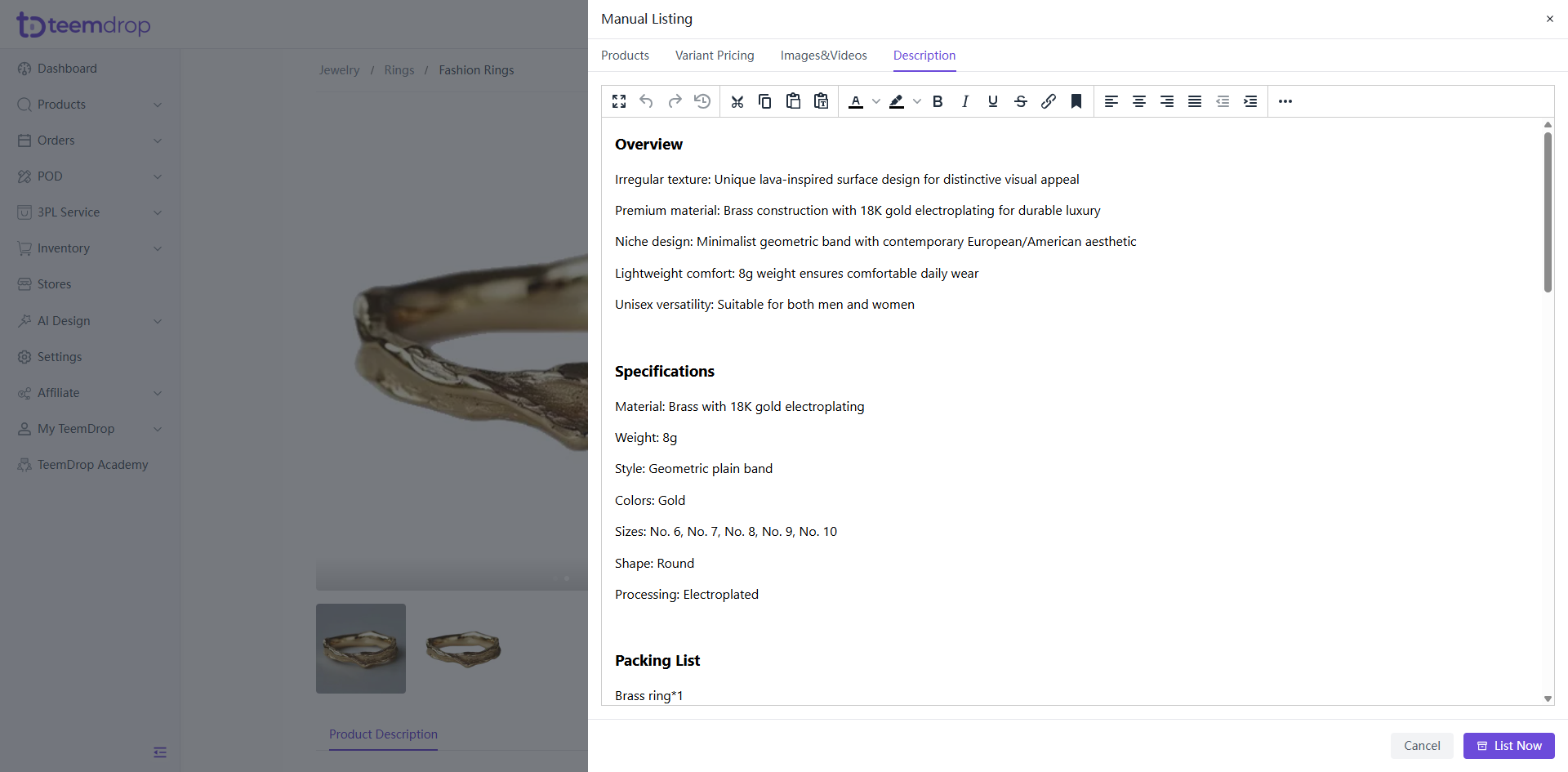
Switch to the other tabs (e.g., product images, description) to customize details.
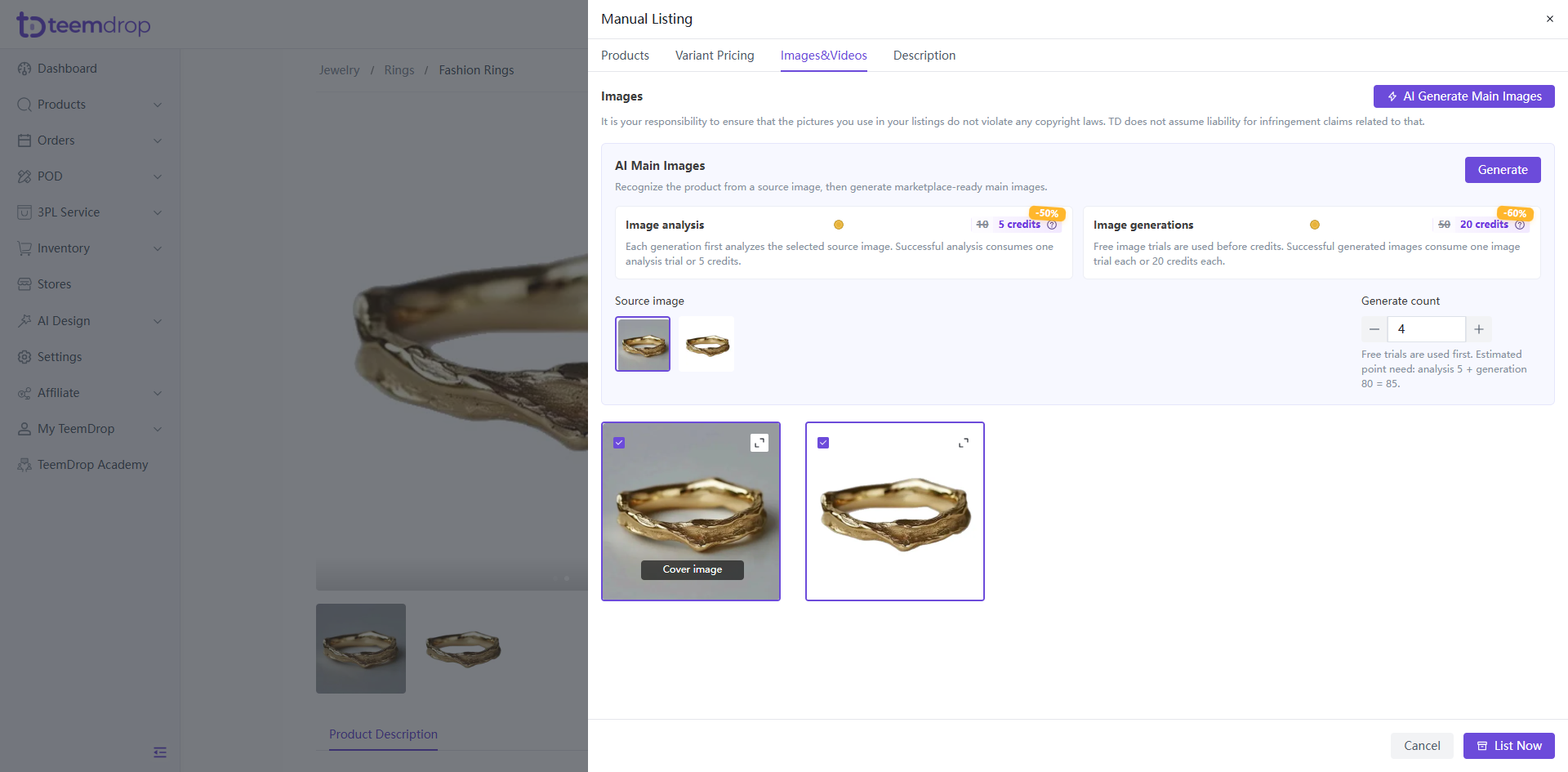
- On the Images & Videos tab, you can use the AI‑Main‑Images tool to generate marketplace‑ready main product photos from your source images. Image analysis and generation will consume credits accordingly.
-
Double-check all information for accuracy before publishing.
5. Complete the Listing
-
Click [List Now] to publish the product to your store.