Best WooCommerce Themes for Dropshipping Stores
Choosing a theme for your online store is about more than making it look good. The right design should help customers browse products, understand what they are buying, and complete their purchases without confusion.
For sellers building a dropshipping business with WordPress and WooCommerce, the best WooCommerce themes combine flexible product pages, mobile-friendly layouts, useful shopping features, and manageable costs.
At TeemDrop, we help dropshippers manage product sourcing and order fulfillment, including connecting supported WooCommerce stores. Your theme handles the customer-facing shopping experience, while your sourcing and fulfillment setup helps you manage what happens behind the scenes.
So, which theme should you choose? Here are six options worth considering, along with their strengths, limitations, and best use cases.
Quick Answer: Which WooCommerce Theme Is Best for Dropshipping?
The best choice depends on your budget, product range, and design preferences.
| WooCommerce Theme |
Best For |
Starting Cost |
| Astra |
Flexible store customization |
Free version available |
| Kadence |
Block-based design |
Free version available |
| Blocksy |
Custom product displays |
Free version available |
| GeneratePress |
A simple, lightweight foundation |
Free version available |
| Neve |
Lightweight design and flexible store layouts |
Free version available |
| Storefront |
A straightforward WooCommerce setup |
Free |
Free versions may not include every feature described below. Check each theme's current plan details before buying.
What to Look for in the Best WooCommerce Themes for Dropshipping
Before comparing WordPress ecommerce themes, decide what your store actually needs. A theme with dozens of design options is not automatically better than a simpler one.
Product Display and Navigation
Product images, prices, descriptions, and variation options should be easy to understand. If you sell a wide range of trending dropshipping products, clear menus and useful filters help shoppers find what they want.
Features such as quick view and add-to-cart buttons can also make browsing easier. However, these may depend on the theme version or additional plugins.
Mobile Shopping Experience
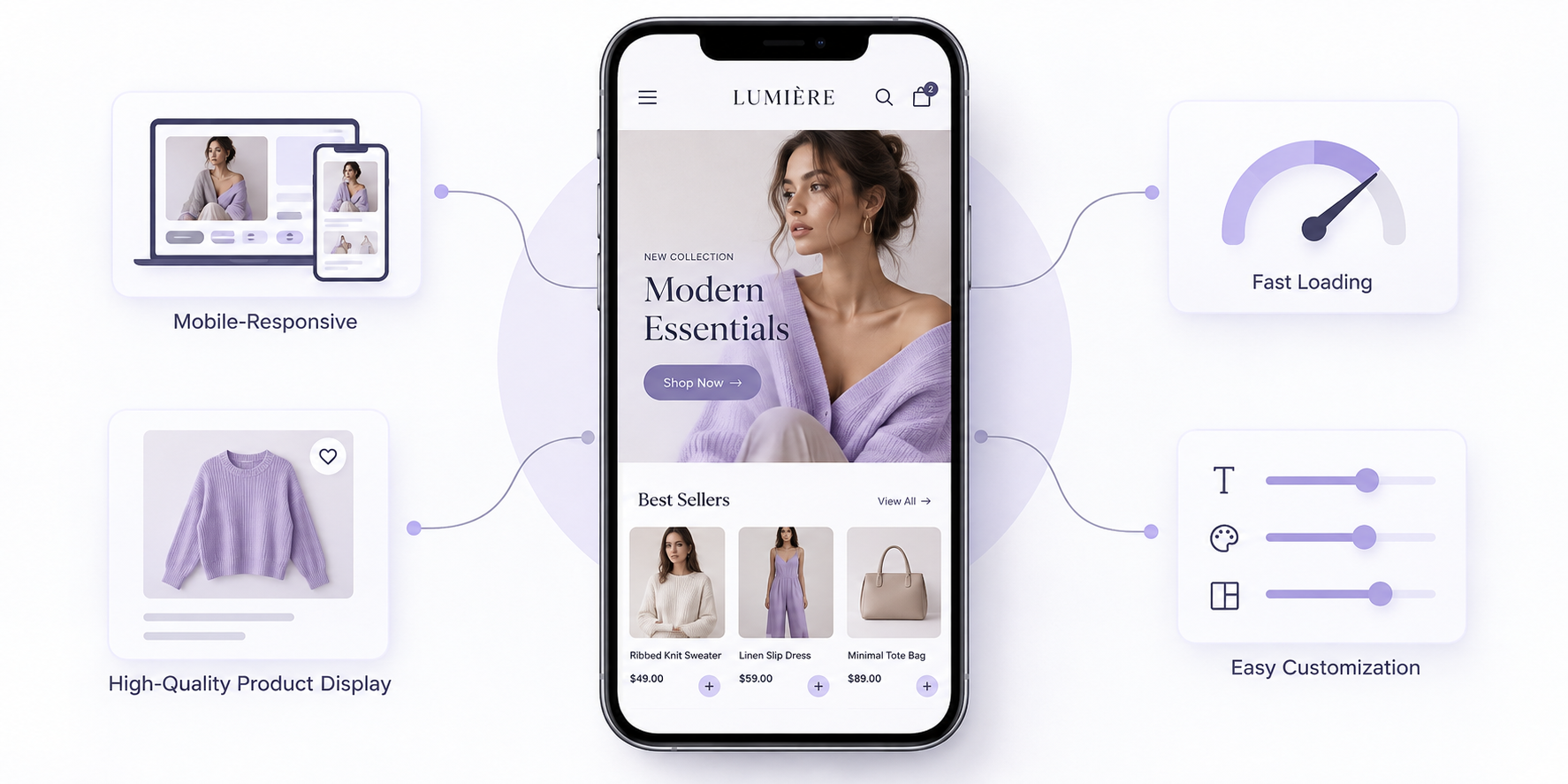
Many shoppers browse stores on their phones. Check how product images, menus, buttons, and product variations appear on smaller screens.
Do not judge a theme only by its desktop preview. Test the complete shopping journey on mobile, including the cart and checkout.
Speed, Compatibility, and SEO Basics
A theme can affect website performance, but it is only one part of the picture. Hosting, image sizes, plugins, and page builders also influence loading speed.
Choose a theme that works with your current WordPress and WooCommerce setup. Use descriptive product titles, helpful product information, and clear navigation to support both shoppers and search engines.
Customization, Cost, and Ease of Use
If you are new to WordPress, look for a theme you can manage without constant developer support. Compare the free version with paid plans and consider whether you need a page builder or extra plugins.
A simple store that works well is often a better starting point than a complicated design that takes weeks to finish.
6 Best WooCommerce Themes for Dropshipping Stores
1. Astra — Best for Flexible Store Customization
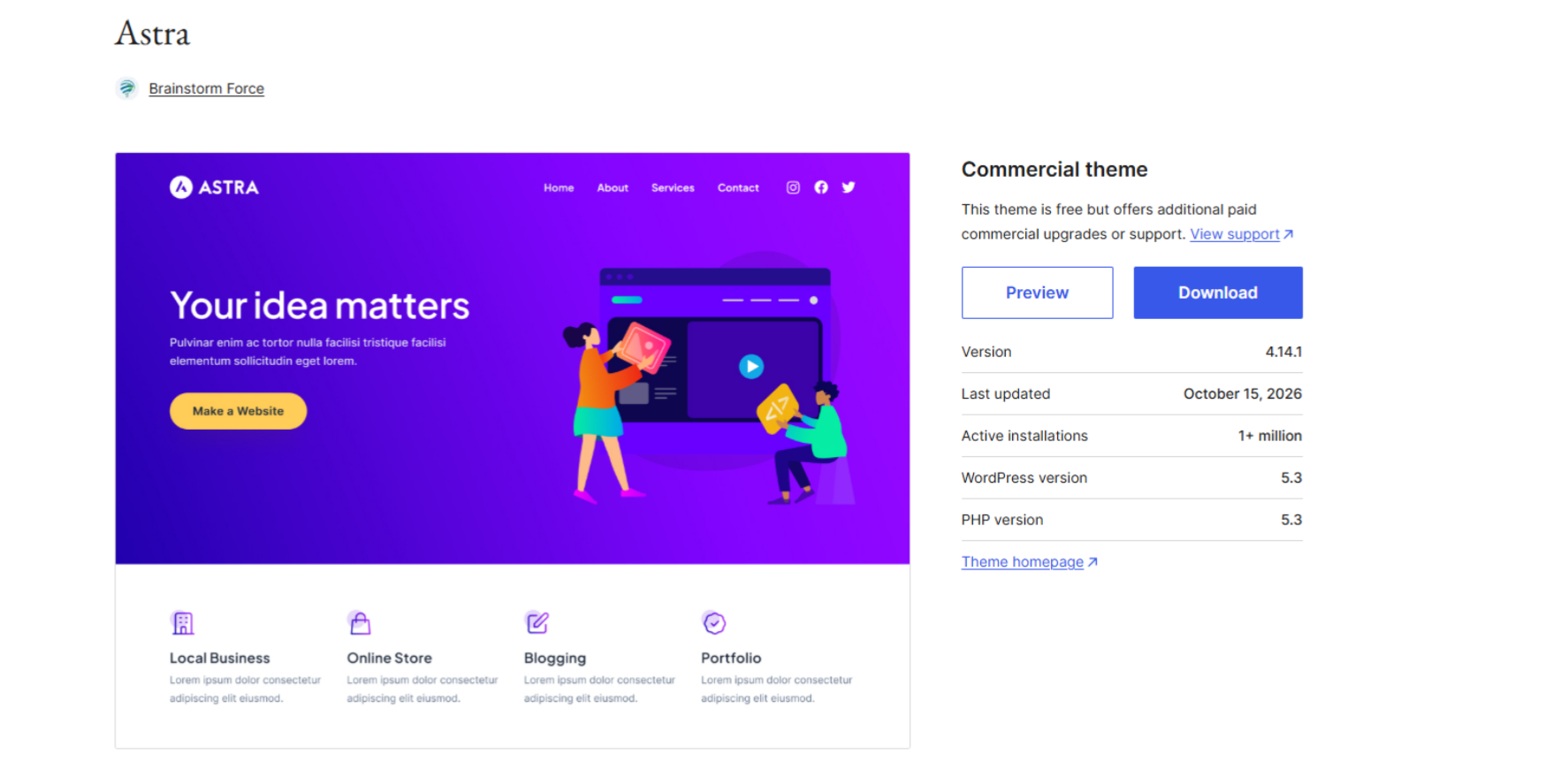
Astra is a popular option for sellers who want flexibility when designing their store. It offers a free version, starter templates, and additional customization options through its paid products.
Its WooCommerce tools support changes to shop pages, product layouts, and other parts of the shopping experience. The official Astra site also highlights options such as quick view, product filters, and checkout customization, with availability depending on the plan.[1]
Why choose Astra?
- Useful for stores with a specific visual style in mind.
- Offers a starting point for different product categories.
- Provides room to expand as design needs change.
Potential drawback: Some advanced store and checkout features require paid products. Check which plan includes the features you need before purchasing.
Best for: Beginners and growing sellers who want a flexible theme that can adapt as their store develops.
2. Kadence — Best for Block-Based Store Design
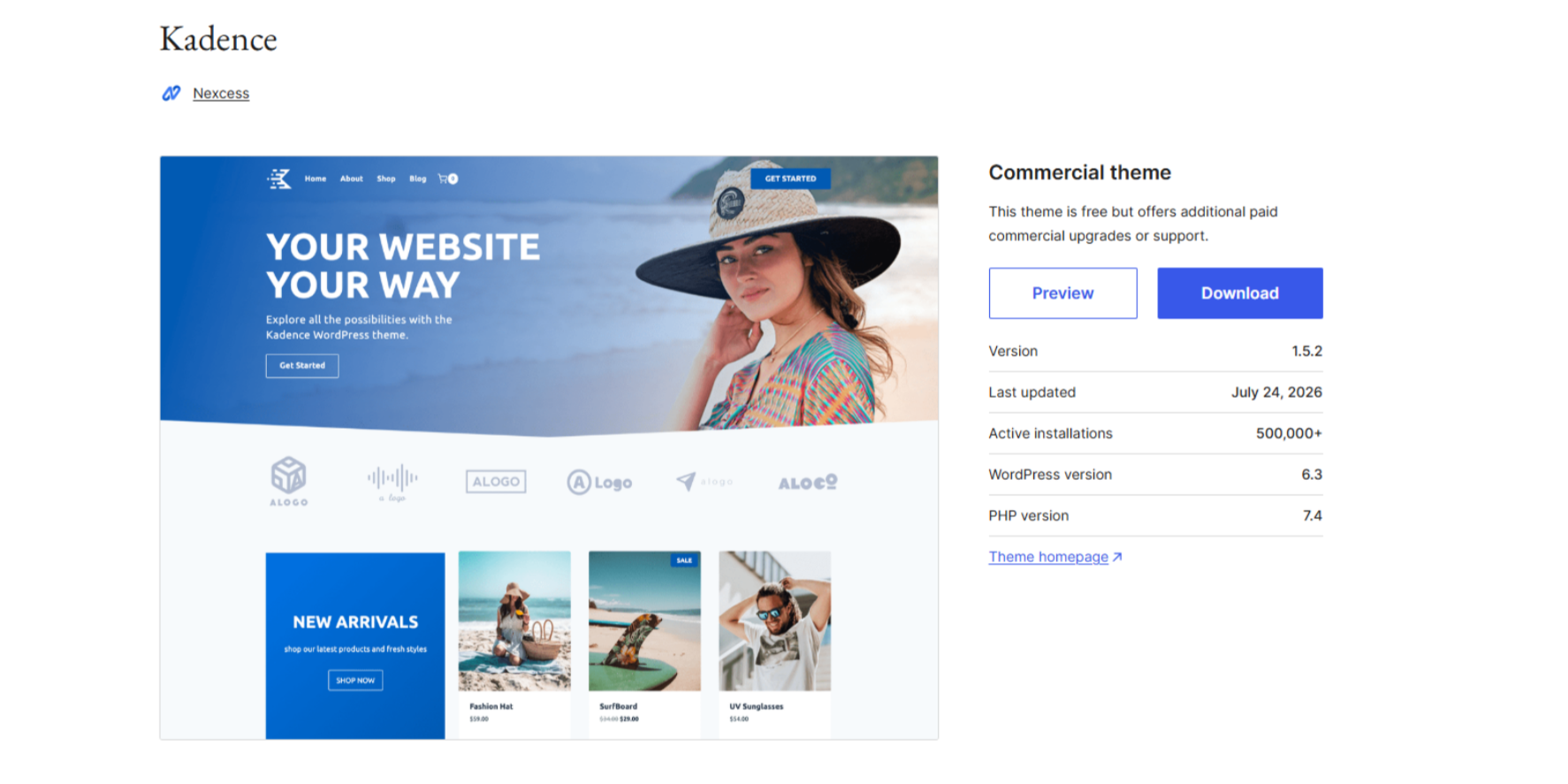
Kadence is worth considering if you prefer working with the WordPress block editor rather than relying heavily on a separate page builder.
Its theme customization tools cover areas such as headers, footers, colors, typography, and responsive layouts. Kadence also provides WooCommerce settings for shop catalogs and individual product pages.[2]
Why choose Kadence?
- Offers visual controls for common design changes.
- Supports a consistent look across different store pages.
- Works well for sellers who prefer editing content within WordPress.
Potential drawback: Advanced functionality may require a paid plan or additional tools. You should also allow time to learn the available settings if you have never built a WooCommerce store.
Best for: Sellers who want control over their store's appearance while keeping much of the editing process within WordPress.
3. Blocksy — Best for Product Display Customization
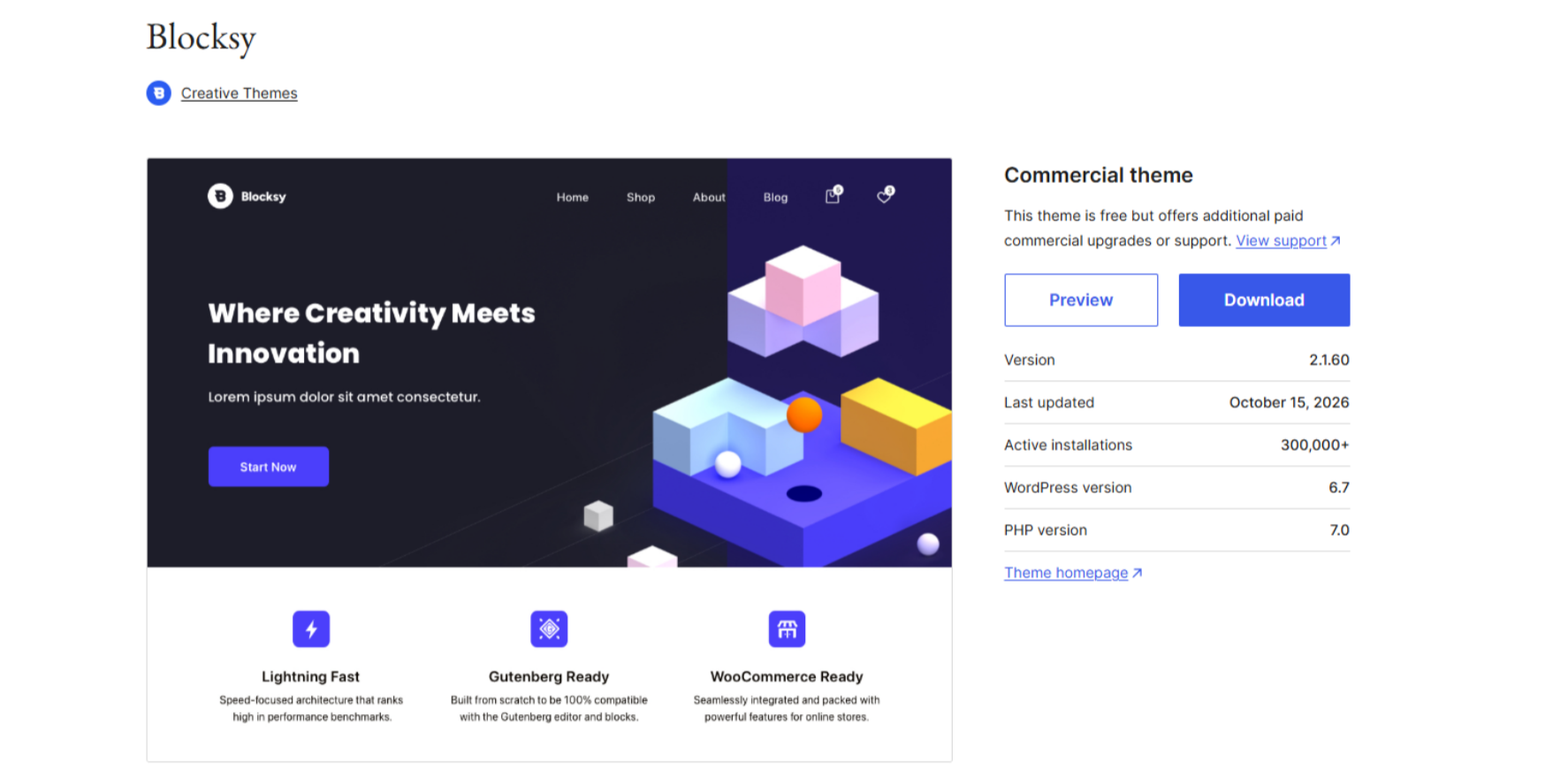
Blocksy is a strong candidate if product presentation is important to your store. Its WooCommerce features include customizable product archives and product pages, with options such as quick view, product gallery layouts, and additional shopping controls depending on the feature and plan.[3]
These options can be useful when customers need to compare products or browse a varied catalog.
Why choose Blocksy?
- Offers flexible layouts for product listings.
- Provides options for product galleries and quick views.
- Gives sellers control over how shop pages are organized.
Potential drawback: Some advanced WooCommerce features are tied to paid extensions. Adding too many visual effects or plugins can also make the site harder to maintain.
Best for: Stores that rely on clear product imagery and want more control over how products appear in category and detail pages.
4. GeneratePress — Best for a Simple Store Foundation
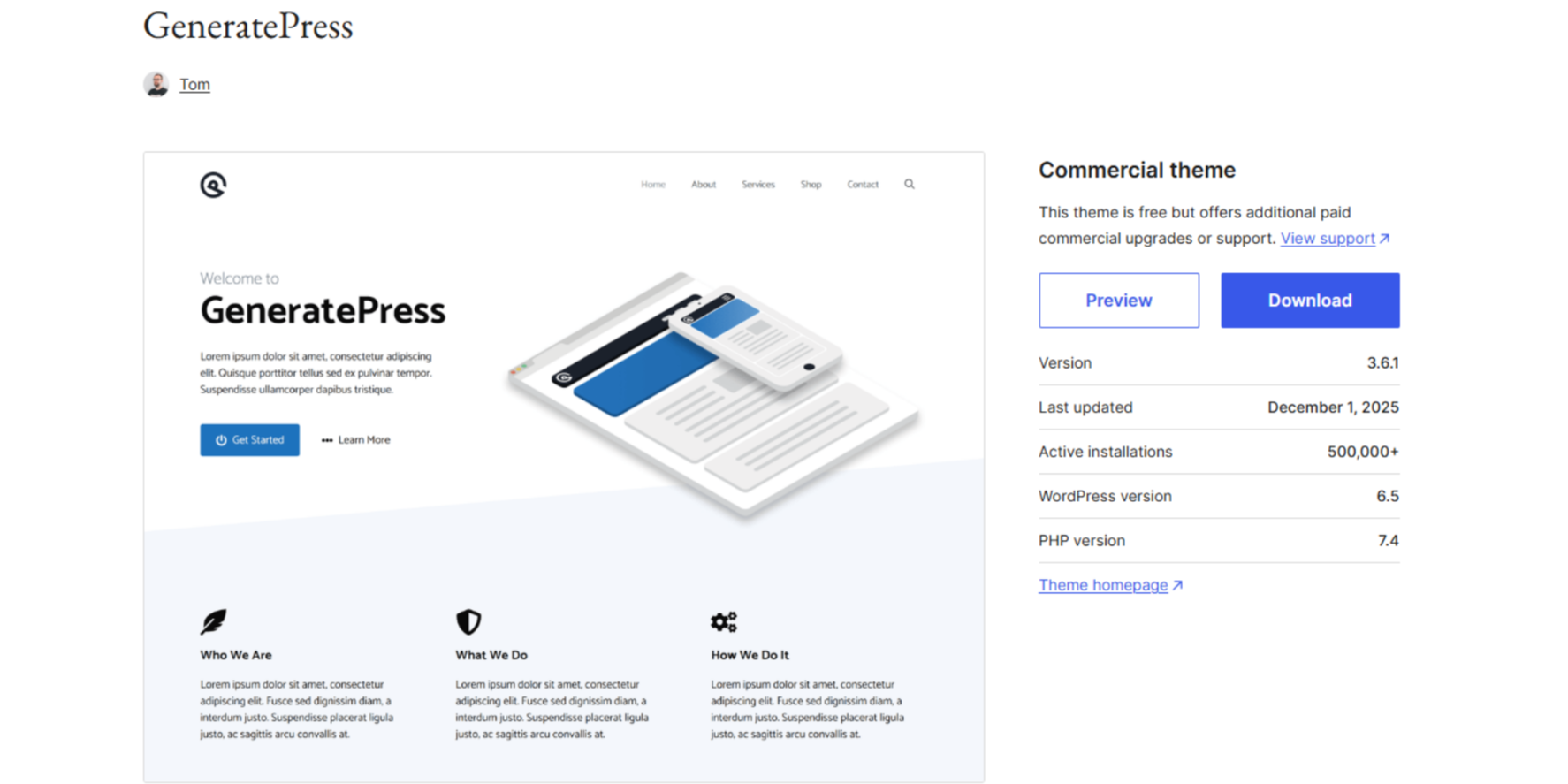
GeneratePress focuses on a clean, flexible website structure. It may suit sellers who prefer a straightforward design rather than a store packed with decorative elements.
The theme supports WooCommerce, while its premium WooCommerce module adds controls for product columns, shop layouts, cart display, and other store elements.[4]
Why choose GeneratePress?
- Suitable for a clean, content-focused website.
- Provides a foundation that can be expanded when needed.
- Lets sellers add design features gradually.
Potential drawback: Some store-specific controls require the premium version. If you want a highly customized shop without additional tools, you may find its basic setup limiting.
Best for: Sellers who value simplicity and want to build their store around essential shopping functions.
5. Neve — Best for Lightweight Design and Flexible Store Layouts
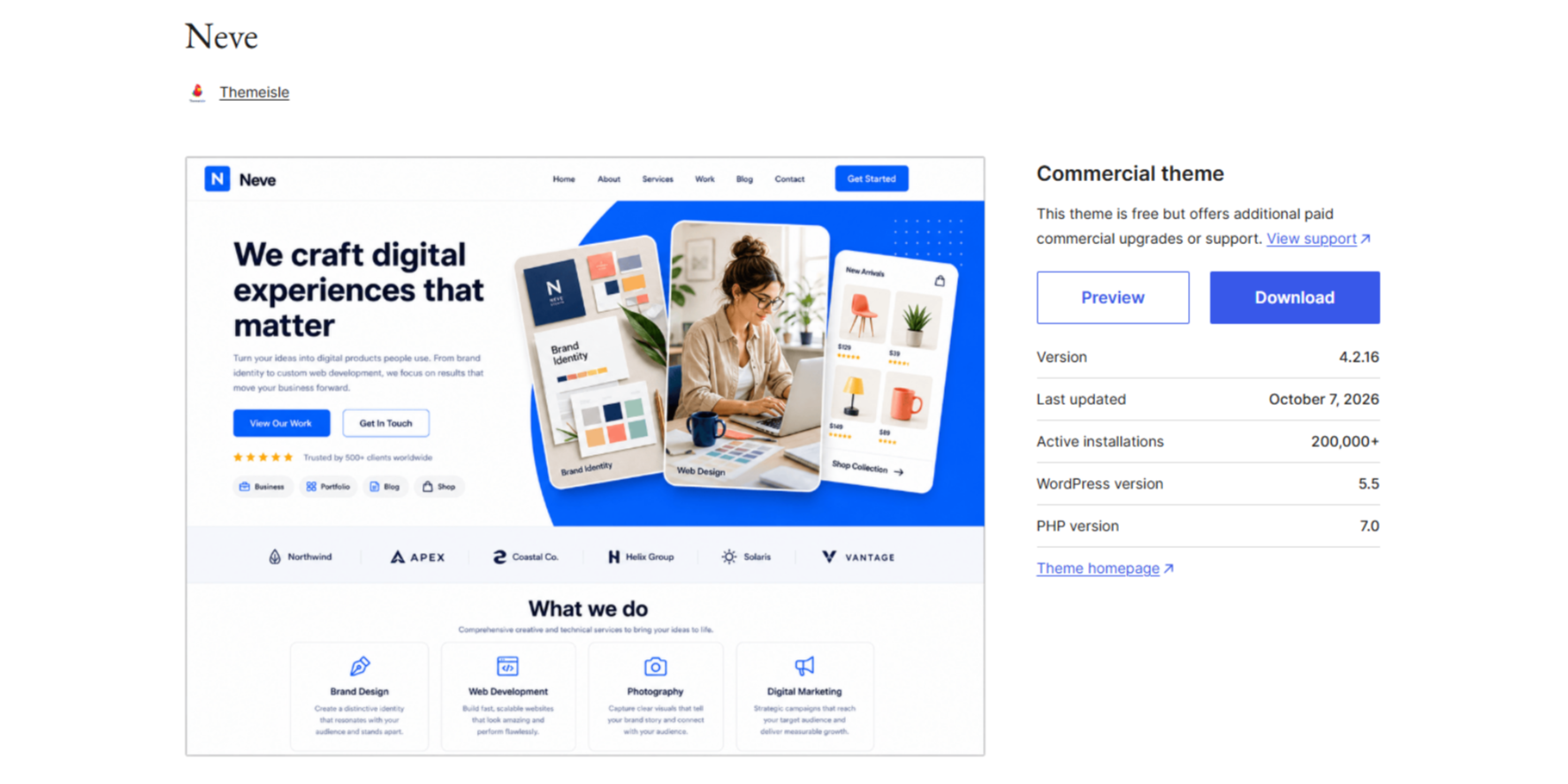
Neve is a lightweight WordPress theme with a free version and optional paid upgrades. It supports WooCommerce and works with the WordPress block editor and popular page builders, giving sellers different ways to build and customize their storefront.[5]
You can use Neve's WooCommerce settings to adjust product catalog layouts and individual product pages. Its responsive design also makes it a practical option for stores that need to work across desktop and mobile devices. Some advanced shopping features, including quick view, enhanced product layouts, and additional checkout customization, require Neve Pro or compatible extensions.
6. Storefront — Best Free Official WooCommerce Theme
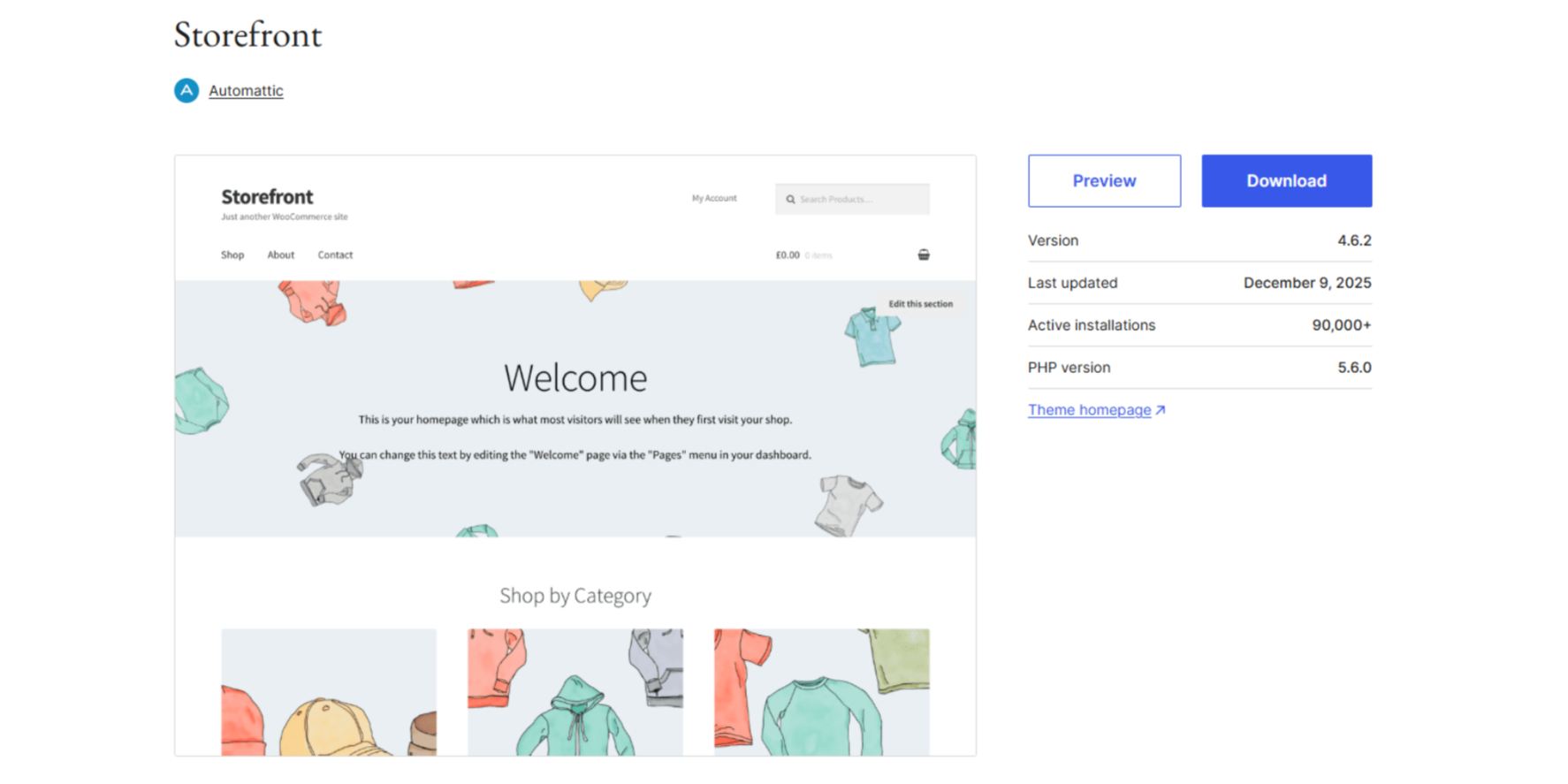
Storefront is the official free WooCommerce theme, developed by the WooCommerce team. It provides a straightforward starting point with direct WooCommerce integration and basic layout customization.[6]
If you want to launch a store without paying for a premium theme, Storefront is worth testing before committing to a more complex design.
Why choose Storefront?
- Free to use.
- Designed specifically for WooCommerce.
- Provides a simple foundation for further customization.
Potential drawback: Its default design is relatively basic. Creating a more distinctive storefront may require extra customization, a child theme, or additional plugins.
Best for: Beginners who want to keep initial theme costs low and focus on getting the basic store working first.
WooCommerce Themes Compared: Features, Cost, and Best Use Cases
Here is a quick way to narrow down your options.
| Theme |
Main Strength |
Main Trade-Off |
| Astra |
Flexible customization |
Advanced features may cost extra |
| Kadence |
Block-based editing |
Some features require paid plans |
| Blocksy |
Product display controls |
Advanced features may require extensions |
| GeneratePress |
Simple foundation |
More customization may need extra tools |
| Neve |
Lightweight design and flexible store layouts |
Advanced ecommerce controls may require paid upgrades |
| Storefront |
Free WooCommerce integration |
Basic design may need customization |
There is no universal winner among these best WooCommerce themes. The right option is the one that supports your products, gives customers a clear buying journey, and fits your budget.
Before making a decision, test the theme with real product images and descriptions rather than relying only on its demo website.
How to Choose the Best WooCommerce Theme for Your Dropshipping Store
If You Are Starting on a Small Budget
When building a ecommerce dropshipping business, begin with a theme that meets your current needs instead of paying for features you may not use.
Start with a free theme such as Storefront, Astra, Kadence, Blocksy, or Neve. Build a few product pages, test your checkout, and identify which features you actually need before paying for upgrades.
You can change your theme later, but planning your layout early helps reduce rework.
If You Have a Large or Varied Product Catalog
Focus on category navigation, product filters, variation options, and image consistency. A theme that looks impressive on its homepage may still make it difficult for shoppers to compare products.
Test how the theme handles your actual catalog size and product types.
If You Want More Design Control
Compare the editing tools available in Astra, Kadence, Blocksy, and Neve. Consider whether you prefer WordPress blocks, a visual builder, or a simpler customization panel.
More features are useful only when they help you create a store that customers can navigate easily.
How to Prepare Your WooCommerce Store for Dropshipping
Choosing a theme is one part of launching a store. You also need accurate product information, clear shipping expectations, and a process for handling orders.
Set Up Product Pages and Store Policies
Use clear product images, useful descriptions, accurate prices, and easy-to-understand variation options. Make shipping times, return conditions, and contact details easy to find.
Before launching, place a test order and review the experience on both desktop and mobile. Check the product page, cart, checkout, and order confirmation.
Plan Product Sourcing and Order Fulfillment
Your theme manages how products appear to customers. It does not find suppliers, inspect products, or ship orders.
This is where TeemDrop can support your operation. TeemDrop offers product sourcing and dropshipping fulfillment, along with WooCommerce store connection and order processing tools. You can explore products, coordinate sourcing, and plan fulfillment without treating your website theme as your entire business system.
For sellers who need help finding suitable products, TeemDrop's product sourcing service provides another step beyond choosing a storefront design. If you want to connect your store, follow the WooCommerce authorization guide.
The goal is to build a store that looks professional and has a workable process behind every order.
Frequently Asked Questions
What Is the Best WooCommerce Theme for Dropshipping?
There is no single best theme for every store. Astra is worth considering for flexible customization, Blocksy for product display options, Neve for lightweight design and flexible store layouts, and Storefront for a free WooCommerce starting point.
Are Free WooCommerce Themes Good Enough for Dropshipping?
Yes. Free themes can support a basic dropshipping store. Check whether the free version includes the layouts and shopping features you need before paying for upgrades.
Does a WooCommerce Theme Affect Website Speed?
Yes, a theme can affect performance, but hosting, images, plugins, and page builders also matter. Test your actual website rather than assuming a theme is fast based on marketing claims.
Can I Change My WooCommerce Theme After Launch?
Yes, but changing themes can affect layouts, menus, product displays, and other visual elements. Test the new theme on a staging site and review the complete shopping journey before publishing it.
Do I Need a Separate Dropshipping Fulfillment Service?
That depends on how you source and ship products. A WooCommerce theme builds the customer-facing store, while a fulfillment service can help with sourcing, order processing, and shipping. They solve different problems and can work together.
Final Verdict: Choose a Theme That Fits Your Store
The best WooCommerce theme for dropshipping is not necessarily the one with the most features. Choose one that makes your products easy to browse, works well on mobile, and fits your budget and technical comfort level.
Once your storefront is ready, make sure your sourcing and fulfillment processes are ready too.
References
[1] Astra, WooCommerce Features
https://wpastra.com/woocommerce/
[2] Kadence WP, WooCommerce Customizer Settings
https://www.kadencewp.com/help-center/docs/kadence-theme/kadence-woocommerce-customizer-settings/
[3] Blocksy, WooCommerce Features
https://creativethemes.com/blocksy/
[4] GeneratePress, WooCommerce Documentation
https://learn.generatepress.com/classic-theme/woocommerce/
[5] Themeisle, WooCommerce Features
https://themeisle.com/themes/neve/woocommerce/
[6] WooCommerce, Storefront Installation and Configuration
https://woocommerce.com/document/installation-configuration/